Libreoffice Page De Garde
Okay, picture this: it's 3 AM, deadline looming. I'm staring blankly at my LibreOffice Writer document. The content? Beautiful. The layout? Questionable. But the real problem? The dreaded page de garde. You know, that first page that's supposed to scream "professionalism" but usually just whispers "I threw this together five minutes ago." Been there? Yeah, me too. More times than I care to admit.
Which got me thinking: why is creating a decent page de garde in LibreOffice sometimes such a pain? And, more importantly, how can we actually make it easy?
LibreOffice: Page de Garde - Let's Tame the Beast
Alright, let's be honest. LibreOffice isn't exactly known for its drag-and-drop, design-wizardry approach. It's powerful, it's free (hallelujah!), but sometimes it feels like you're wrestling a bear to get a simple task done. Especially when design is involved... I feel you.
But! Don't despair. There are ways to wrangle that page de garde into submission. We're going to look at a few methods that I've found helpful. Because honestly, who has time to reinvent the wheel every single time?
Method 1: The Manual Approach (for the brave souls)
This is the "old school" method. You roll up your sleeves and build it from scratch. This gives you ultimate control, but also demands ultimate patience. (Seriously, remember to breathe.)
- Start with a Blank Page: Obviously! Insert a page break to separate your page de garde from the main content.
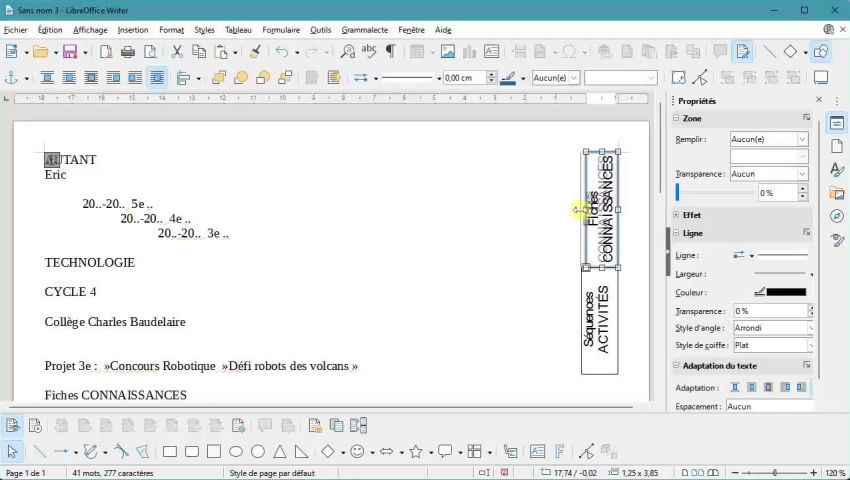
- Insert Text Boxes: These are your friends. Use them for the title, your name, the date, maybe a course code (if applicable), whatever info you need.
- Format Like Crazy: Fonts, sizes, colors... go wild (but not *too* wild). Keep it clean and readable. Think "professional," not "circus."
- Adding Visuals: A subtle logo, a relevant image...be careful here. Less is often more. Nobody wants an exploding rainbow on their first page.
Side comment: Play with borders and shading! A thin border around a text box can make a big difference. Just don't overdo it, please. Think minimalist chic, not 90s PowerPoint presentation.
Method 2: Leveraging LibreOffice Styles (for the organized minds)
LibreOffice styles are your secret weapon for consistency. Setting up a style specifically for your page de garde elements (like title, author) will save you time and headaches down the road.
- Create New Styles: Open the Styles and Formatting window (F11). Right-click and choose "New."
- Customize Your Styles: Tweak the font, size, alignment, line spacing... everything! Name it something descriptive, like "PageDeGardeTitle" or "PageDeGardeAuthor."
- Apply Your Styles: Select the text in your page de garde and apply the corresponding style.
- Profit! Now, if you need to change the formatting, you only have to modify the style once, and it updates everywhere! Magic!
Side comment: Learn about different *kinds* of styles. Character styles for small changes, paragraph styles for entire paragraphs. Trust me, it's worth the effort.
Method 3: The Template Route (for the efficient folks)
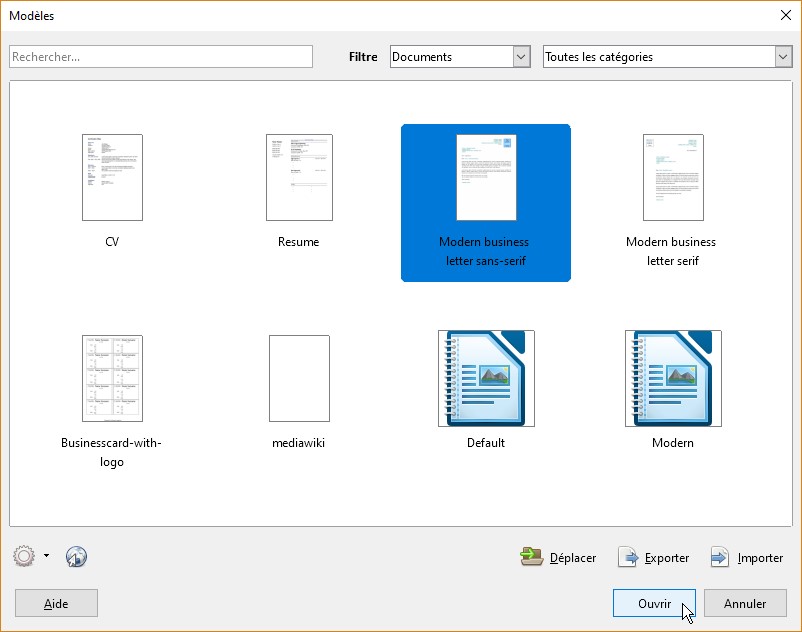
Why build when you can borrow (or at least adapt)? The internet is full of LibreOffice templates. A quick Google search for "LibreOffice page de garde template" will yield tons of results.
- Find a Template: Browse the options and pick one that you like. Be picky!
- Download and Open: Open the template in LibreOffice Writer.
- Customize: Replace the placeholder text with your own information. Change the colors, fonts, and images to match your style.
- Save as a New Document: Don't overwrite the original template!
Warning! Not all templates are created equal. Some are downright hideous. So choose wisely, my friend. And always, always, ALWAYS check the licensing before using a template.
So, there you have it. A few ways to conquer the LibreOffice page de garde. Remember, the key is to keep it simple, clean, and professional. And, most importantly, to not spend all night agonizing over it. Go get some sleep! Your brain (and your document) will thank you.