Libreoffice Page De Garde Arriere Plan
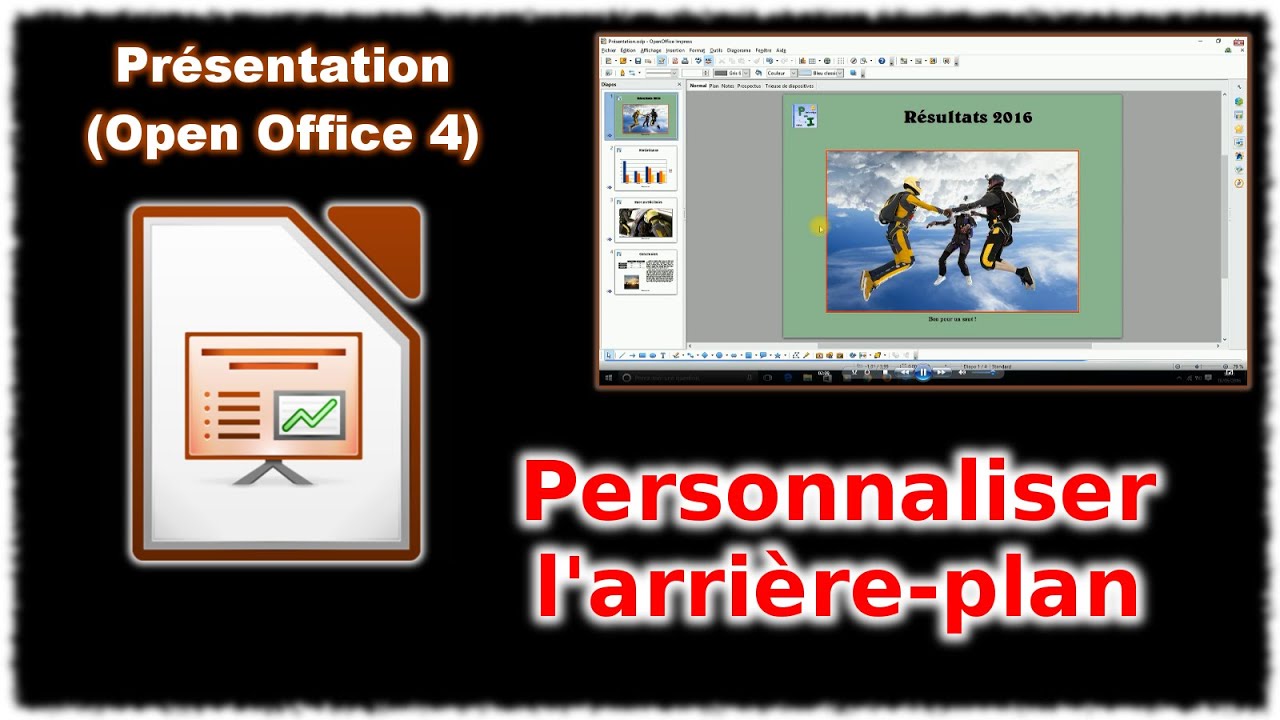
Salut tout le monde ! Ever opened a document and thought, "Hmm, ça manque un peu de *pep*"? Yeah, me too! Today, let's chat about something super useful in LibreOffice: customizing the arrière-plan of your page de garde. Pourquoi ? Because a killer cover can make all the difference. Think of it like the wrapping paper on a present - it gives that crucial first impression!
So, what's the big deal? Well, a good cover page isn't just pretty; it's *professional*. It sets the tone for your entire document. Imagine submitting a thesis with a boring, plain white cover. Snooze-fest, right? But a beautifully designed cover page? *BAM!* Instant credibility.
Pourquoi s'embêter avec l'arrière-plan?
Why even bother changing the background, you ask? Think of it this way: Your text is the main course, but the background is the side dish. It complements and enhances the overall experience. It’s like choosing the right frame for a masterpiece – it can elevate the whole thing.
- L'impact visuel: A well-chosen background can instantly grab the reader's attention. Forget plain text; let's get *visual*!
- Le professionnalisme: It shows you put thought and effort into your work. C'est important!
- La cohérence: A consistent background can tie your entire document together, especially if you're working on a long project.
Comment on fait, alors?
Okay, enough chit-chat! How do we actually *do* this magical background transformation in LibreOffice? It's simpler than you might think. There are a few ways to approach it:
Utiliser une couleur solide
The easiest method! Go to Format -> Page. Then, select the "Area" tab. Choose "Color" and pick your poison! Feeling blue? Go for it! More of a fiery red kind of person? The world is your oyster. Simple, effective, and perfect for a minimalist look.
Ajouter une image
Want something a bit more… dramatic? Images are your friend! In the same "Area" tab, instead of "Color," choose "Bitmap." You can then select an image from your computer. Attention! Make sure the image is high-resolution. Nobody wants a pixelated mess on their cover page!
Conseil de pro: Consider using a slightly blurred or faded image. This will prevent it from overpowering your text. Think of it as creating a subtle atmosphere, like adding soft lighting to a room.
Jouer avec les dégradés
For a smoother transition and a more sophisticated feel, gradients are your weapon of choice. Again, in the "Area" tab, you can select "Gradient" and customize the colors and direction. This is where you can really get creative! Experiment with different color combinations to find something that speaks to you.
Quelques idées pour l'inspiration
Stuck for ideas? Pas de problème! Here are a few quick suggestions to get your creative juices flowing:
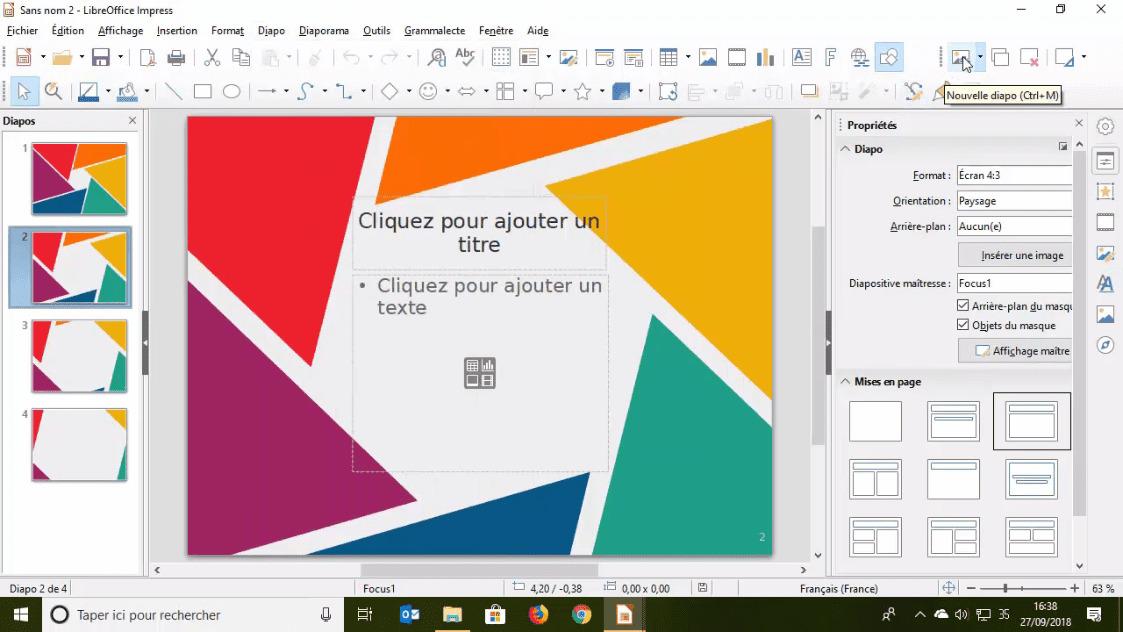
- Nature: Leafy backgrounds, calming water textures, or even abstract patterns inspired by nature.
- Abstract: Geometric shapes, colorful splashes, or intriguing patterns.
- Minimalist: A single, subtle color or a very faint texture. Less is often more!
The key is to choose something that complements the content of your document. If you're writing a report on ocean conservation, a watery background would be a great choice. If you're working on a sci-fi novel, a futuristic, geometric design might be more appropriate.
En fin de compte, the perfect background is subjective. What looks amazing to one person might be terrible to another. So, experiment, have fun, and find something that you love. After all, it's your document, your vision, and your chance to shine! Allez, go create something beautiful!