Image Pied Page Sur Page De Garde Latex

Okay, imagine this: I'm furiously typing away on my thesis at 3 AM, fueled by coffee and desperation. Everything is *perfect*. My arguments are airtight, the citations are impeccable, and the bibliography is a thing of beauty. I compile... and BAM! The cover page, that majestic introduction to my intellectual prowess, is screaming at me: a rogue footnote, casually hanging out where it absolutely shouldn't be. Specifically, my university logo, carefully placed in the footer, is now *also* on the title page. Nightmare fuel, right?
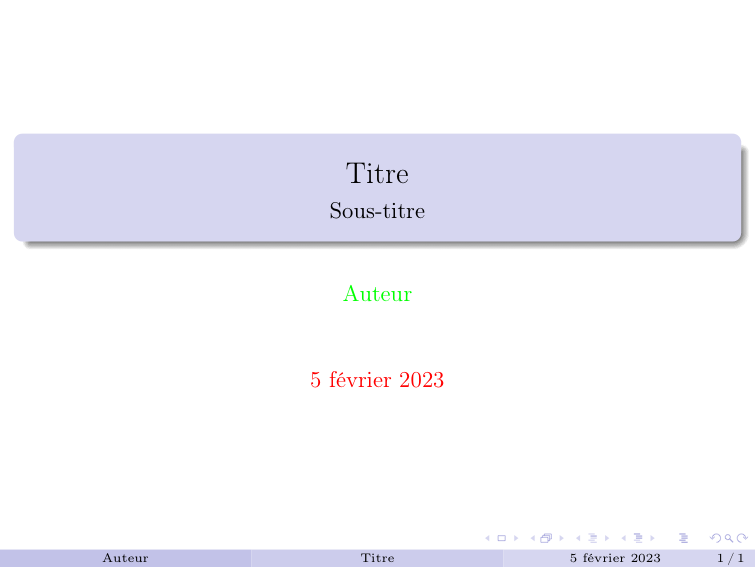
Turns out, this isn't as uncommon as you might think. And guess what? LaTeX, for all its power and glory, doesn't always intuitively handle footers (or rather, images *in* the footer) on the cover page. But fear not, fellow LaTeX warriors! I've wrestled with this beast and emerged victorious (eventually, after several more coffees). Let's delve into how to conquer the elusive "image en pied de page sur page de garde" challenge.
Why is this happening?
LaTeX, by default, often carries over the footer information (including your carefully positioned logo or other image) from the main document to the title page. This is because the title page is often treated as simply the "first page" of your document. But we want it to be *special*, dammit! (Don't we all want to be special?)
So, how do we tell LaTeX to chill out and leave the title page footer alone?
The Solutions: A Few Approaches
There are several ways to tackle this, each with its own pros and cons. Here are a few options:
1. The \thispagestyle{empty} Trick
This is often the simplest and most direct approach. Right after you define your title page (using commands like \maketitle or a custom title page environment), add the following line:
\thispagestyle{empty}
What this does is basically tell LaTeX to use a page style where the header and footer are blank for that specific page. Simple, effective, and often all you need. Just remember to restore the default page style *after* the title page!
Side Comment: This works great if you want a completely clean title page. If you want *some* footer information, but not the image, you'll need a more nuanced approach.
2. Custom Page Styles: The More Powerful Approach
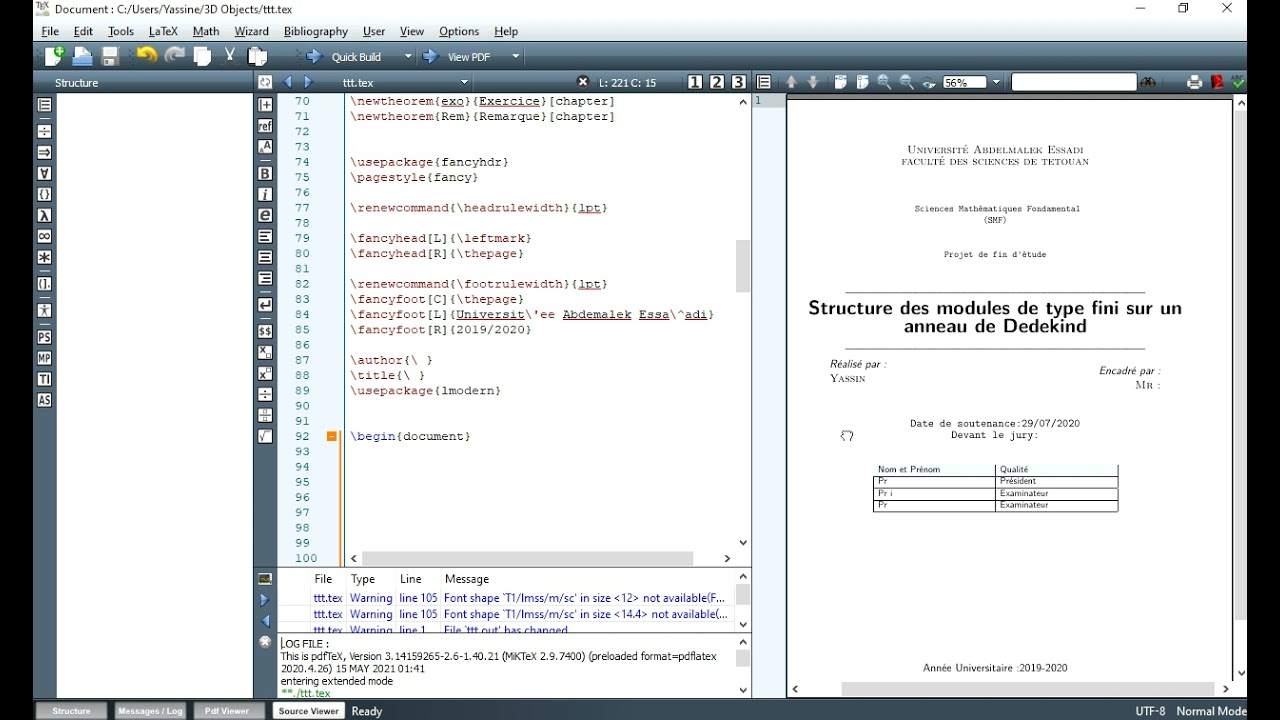
For more control, you can define your own page styles using the fancyhdr package (or a similar package for header/footer manipulation). This allows you to specify exactly what appears in the header and footer for different parts of your document.
Here's a simplified example (you'll need to adapt this to your specific needs):
- Load the
fancyhdrpackage:\usepackage{fancyhdr} - Define a new page style for the title page:
\fancypagestyle{titlepage}{ \fancyhf{} % Clear all header and footer fields \renewcommand{\headrulewidth}{0pt} % Remove header rule \renewcommand{\footrulewidth}{0pt} % Remove footer rule } - Apply this page style to your title page:
\thispagestyle{titlepage} - After the title page, switch back to your default page style:
\pagestyle{fancy}(or whatever your default style is).
Side Comment: This is a bit more involved, but gives you ultimate flexibility. You can have different headers and footers for different sections of your document!
3. Conditional Footer Insertion (Advanced)
This involves using LaTeX's conditional capabilities to check if you're on the title page and only insert the image if you're *not*. This is generally overkill for most situations but can be useful if you have a very complex setup.
Side Comment: Let's be honest, if you're comfortable with conditional footer insertion, you probably don't need my help! But hey, I'm covering all the bases.
Wrapping Up
Adding images to the footer in LaTeX can be a bit tricky, especially on the title page. But with a few simple commands and a little understanding of page styles, you can create beautifully formatted documents without unwanted logos crashing your cover page party. Remember to choose the solution that best fits your needs and document structure. And don't be afraid to experiment – that's half the fun (and half the frustration) of using LaTeX!
Now go forth and create stunning documents! And may your footers always be where they belong.



![Image Pied Page Sur Page De Garde Latex [latex] Problème de marges uniquement sur les 2 1ères pages par](https://user.oc-static.com/files/385001_386000/385731.png)