
Comment Faire Une Video Avec Green Screen

Okay, so picture this: me, last summer, desperately trying to convince my cat, Mr. Fluffernutter, to sit in front of a wrinkled, lime-green sheet I'd haphazardly taped to my living room wall. My vision? Mr. Fluffernutter piloting a spaceship through the cosmos. The reality? A grumpy feline swatting at a poorly-lit green backdrop. Let's just say, my attempts at creating a green screen masterpiece were… less than stellar. But hey, we all start somewhere, right? And that somewhere is usually a slightly embarrassing, definitely amateurish, first try.
That whole fiasco got me thinking: Green screens are actually incredibly cool. I mean, think about it: you can teleport yourself (or your cat) anywhere! From the top of Mount Everest to the set of your favorite sci-fi movie, the possibilities are, quite literally, endless. But how do you *actually* do it without ending up with a Fluffernutter-sized disaster? That's what we're diving into today!
What's This Green Screen Magic Anyway?
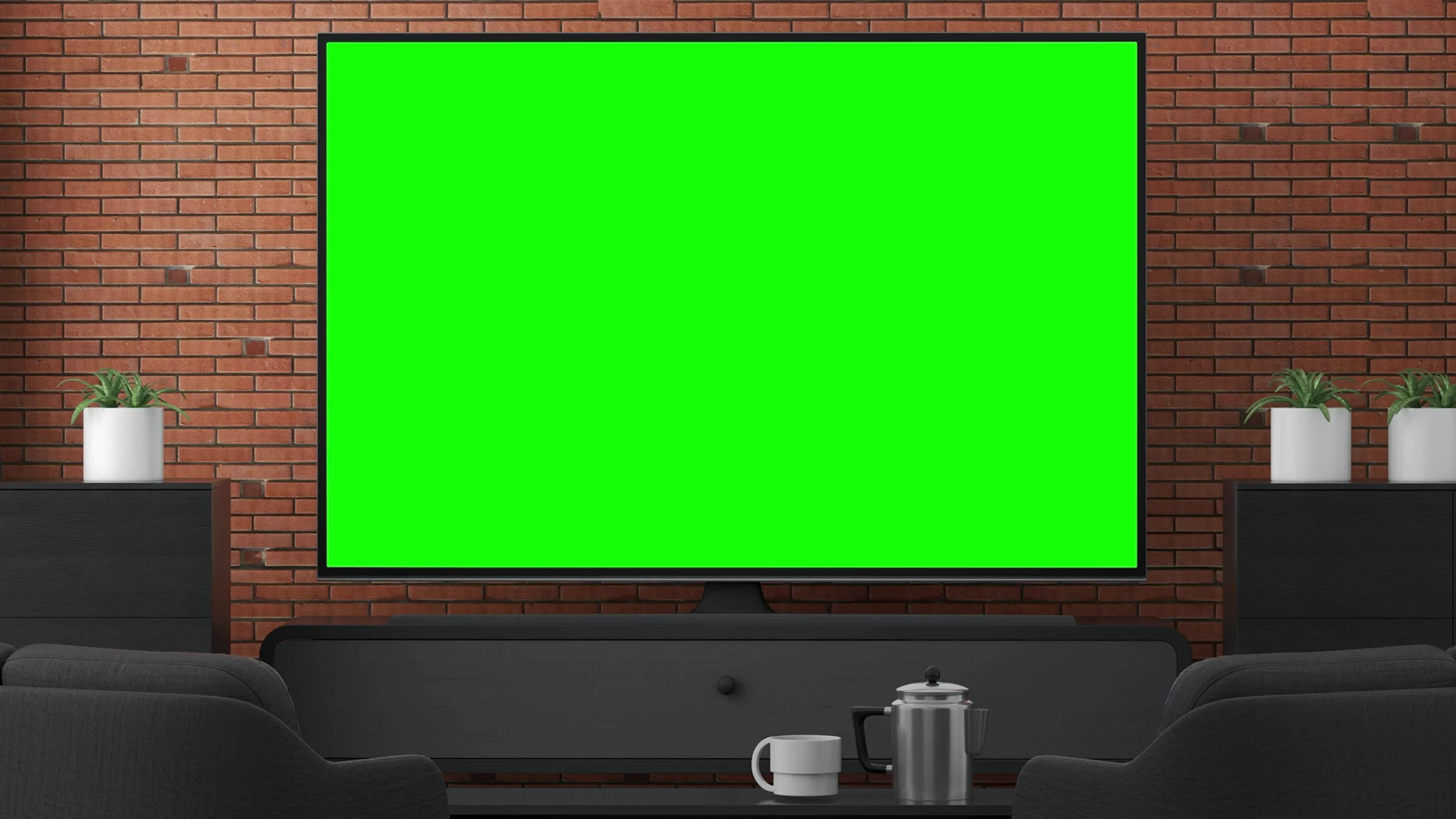
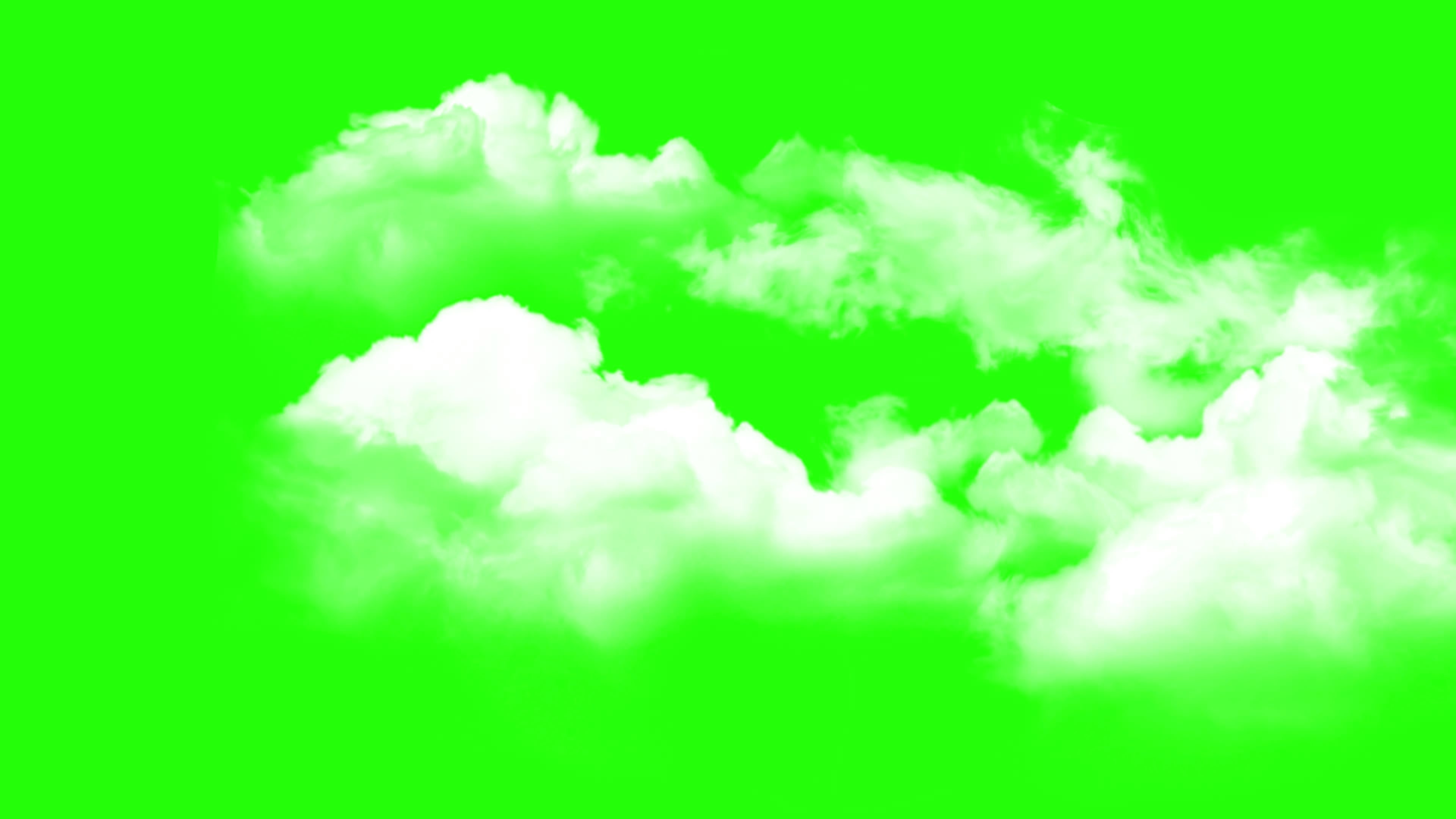
Essentially, a green screen (or sometimes a blue screen – color doesn't *really* matter as long as it's distinct from your subject) is a solid-colored backdrop used to create special effects. You film yourself (or your spaceship-piloting cat) in front of this screen. Then, using video editing software, you digitally remove the green (or blue, or whatever color) and replace it with… well, anything! A beach, a volcano, a crowded street – you name it!
Think of it like digital camouflage. The software recognizes the specific color and makes it transparent. Voila! Your subject is seamlessly placed into a new environment.
Isn’t that neat? But before you run off and buy a lime-green bedsheet (trust me, don't. Just… don't), let's talk about how to actually make this work.
Step 1: Getting the Right Gear (Without Breaking the Bank)
You don't need a Hollywood budget to get started. Here's a breakdown of the essentials:
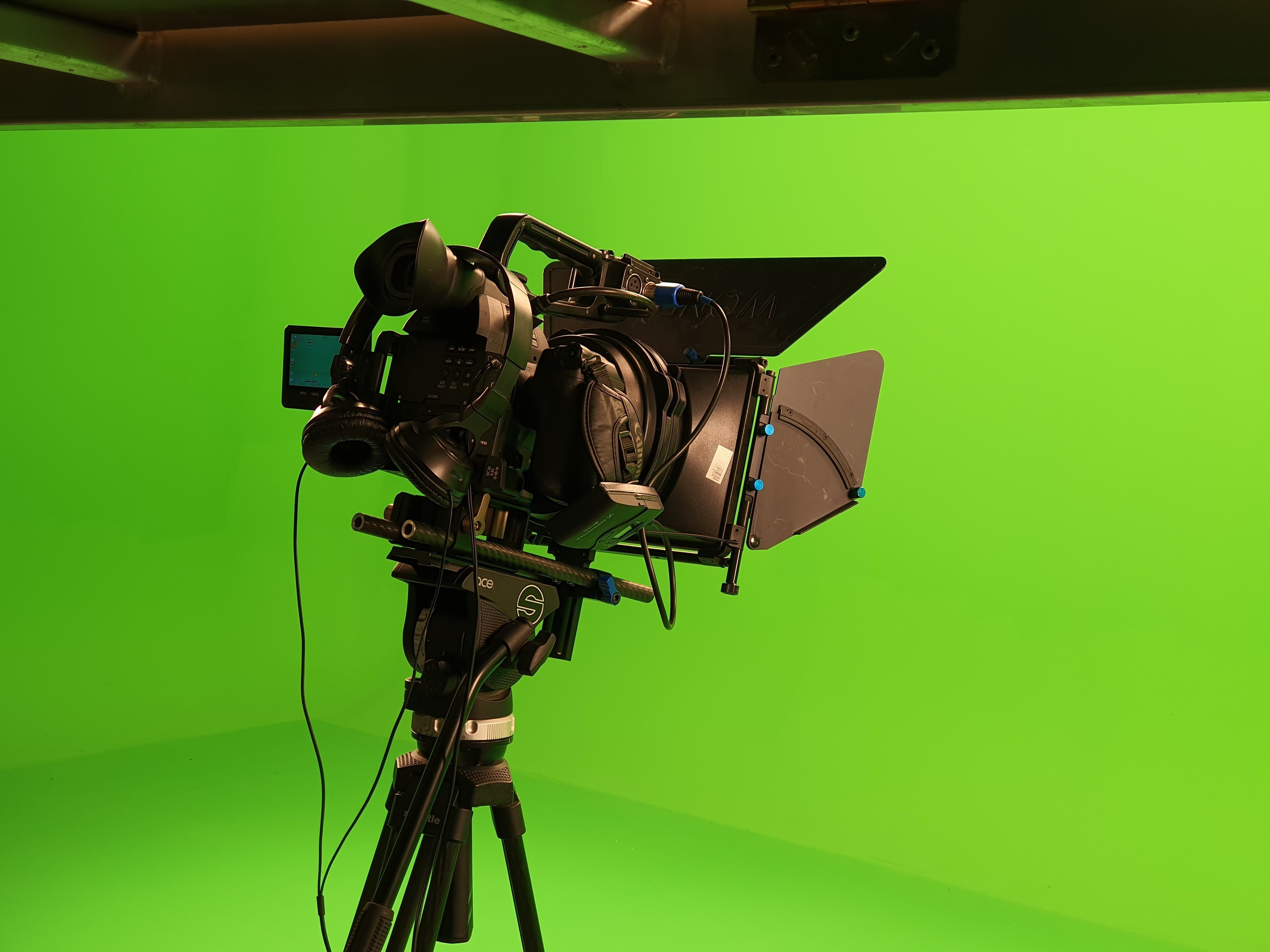
- The Green Screen: You can buy a proper green screen backdrop online. They come in various sizes and materials. Fabric is generally better than paper because it’s less prone to wrinkles. Alternatively, a painted wall works too! (Just make sure the paint is matte, not glossy).
- Good Lighting: This is *crucial*. You need even lighting across the green screen. Shadows are the enemy! Think about using at least two lights (one on each side) to avoid dark spots. Seriously, don't skimp on the lighting. It will save you headaches later.
- A Camera: Your phone camera can actually work surprisingly well, especially with good lighting. But if you want professional-looking results, a decent webcam or a dedicated camera is a good investment.
- Video Editing Software: This is where the magic happens. Popular options include Adobe Premiere Pro (paid), Final Cut Pro (paid), and DaVinci Resolve (which has a free version that's surprisingly powerful).
Pro Tip: Avoid wearing anything green (or whatever color your screen is!) when filming. Unless you want to become a floating head.
Step 2: Shooting Your Footage
Alright, you've got your gear. Time to film! Here's the game plan:
- Set up your green screen: Make sure it's smooth and wrinkle-free. The smoother the screen, the easier it is to remove the background.
- Position your subject: Place them far enough away from the green screen to avoid green spill (where the green color reflects onto your subject).
- Light it up!: Ensure consistent lighting on both the green screen and your subject.
- Record!: Frame your shot and film your scene. Remember to leave some space around your subject for editing.
Side Note: Plan your shots carefully. Think about what background you want to use *before* you start filming. This will help you with your framing and movements.
Step 3: The Editing Magic
Now for the fun part! Open your video editing software and import your footage. The process of removing the green screen varies slightly depending on the software, but the basic principle is the same:
- Import your footage: Add your green screen video to the timeline.
- Apply the "Chroma Key" or "Green Screen" effect: This effect is specifically designed to remove a certain color (usually green or blue).
- Adjust the settings: Tweak the settings (tolerance, threshold, softness, etc.) until the green screen disappears cleanly without affecting your subject. This might take some trial and error.
- Add your background: Import your desired background image or video and place it on the timeline *beneath* your green screen footage.
- Adjust and refine: Fine-tune the position, size, and colors of your subject and background to create a seamless blend.
- Export!: Export your finished video.
Don't be afraid to experiment! Each software has its own quirks, so play around with the settings until you get the result you want.
From Fluffernutter Fails to Green Screen Glory
Look, I'm not going to lie: mastering the green screen takes practice. You'll probably have some hiccups along the way (like a certain feline friend interrupting your shoot). But with a little patience, some decent equipment, and a willingness to learn, you can create some seriously impressive effects. So go forth, experiment, and unleash your inner filmmaker! And hey, if you manage to get your cat to pilot a spaceship, send me the video!
![Comment Faire Une Video Avec Green Screen [100+] Green Screen Wallpapers | Wallpapers.com](https://wallpapers.com/images/hd/green-screen-news-studio-hx7mutk4dkxa1jet.jpg)

![Comment Faire Une Video Avec Green Screen [200+] Green Screen Backgrounds | Wallpapers.com](https://wallpapers.com/images/hd/motion-markers-greenscreen-background-j9a5ox09mgyhct5u.jpg)
![Comment Faire Une Video Avec Green Screen [200+] Green Screen Backgrounds | Wallpapers.com](https://wallpapers.com/images/hd/green-screen-background-libf3dqoiqyzefpi.jpg)
![Comment Faire Une Video Avec Green Screen [200+] Green Screen Backgrounds | Wallpapers.com](https://wallpapers.com/images/hd/green-screen-background-badg77avbm2h8iv4.jpg)



![Comment Faire Une Video Avec Green Screen [FREE DOWNLOAD] Fire Green Screen](https://uploads-ssl.webflow.com/620f1db54643ffbb1dd9054e/63e79b4f3f71272c5f2f23af_animation-smooth-cursor-click-on-green-screen-pointer-arrow-cursor-clicking-free-video.webp)