Comment Faire Un Gif A Partir D'une Video Gratuit
Okay, mes amis, gather 'round! Let's talk GIFs. Not the peanut butter kind, though that’s a worthy topic for another day. No, we're talking about those endlessly looping, bite-sized video clips that have taken over the internet – the visual equivalent of a well-timed meme. And today, we're tackling the burning question: Comment faire un GIF à partir d'une video, gratuitement? Because, let’s face it, nobody wants to pay to make internet magic, especially when that magic involves a cat falling off a couch.
So, you’ve got this absolutely *epic* video. Maybe it’s you flawlessly executing a synchronized swimming routine in your bathtub (no judgment!). Maybe it's your dog chasing his tail with the ferocity of a tiny, furry tornado. Whatever it is, you know it deserves to be immortalized as a GIF. But where do you even begin? Fear not, dear reader! The GIF gods are smiling upon you.
Option 1: The Online Route – Faster Than a French Fry Cook at Lunchtime
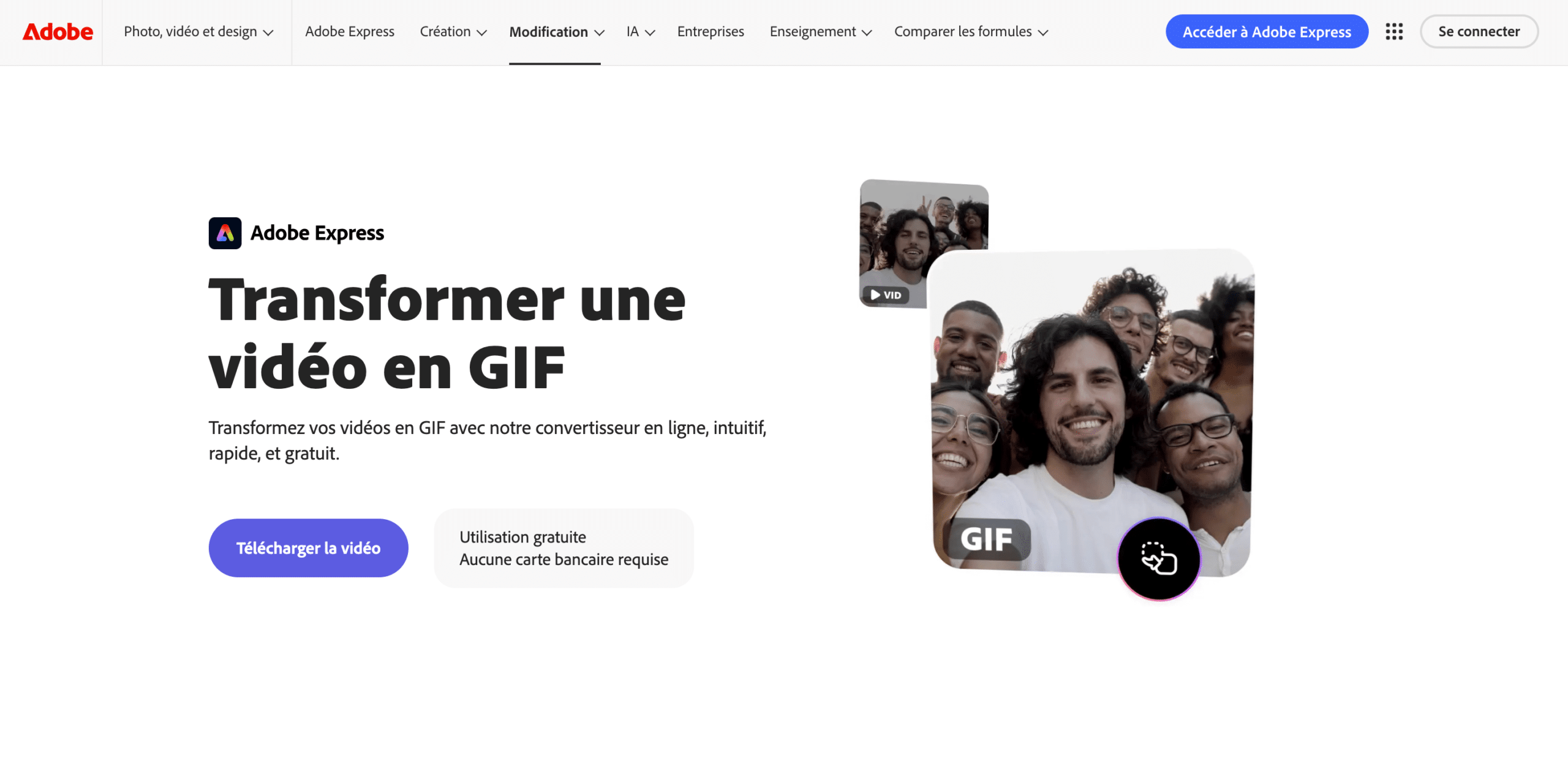
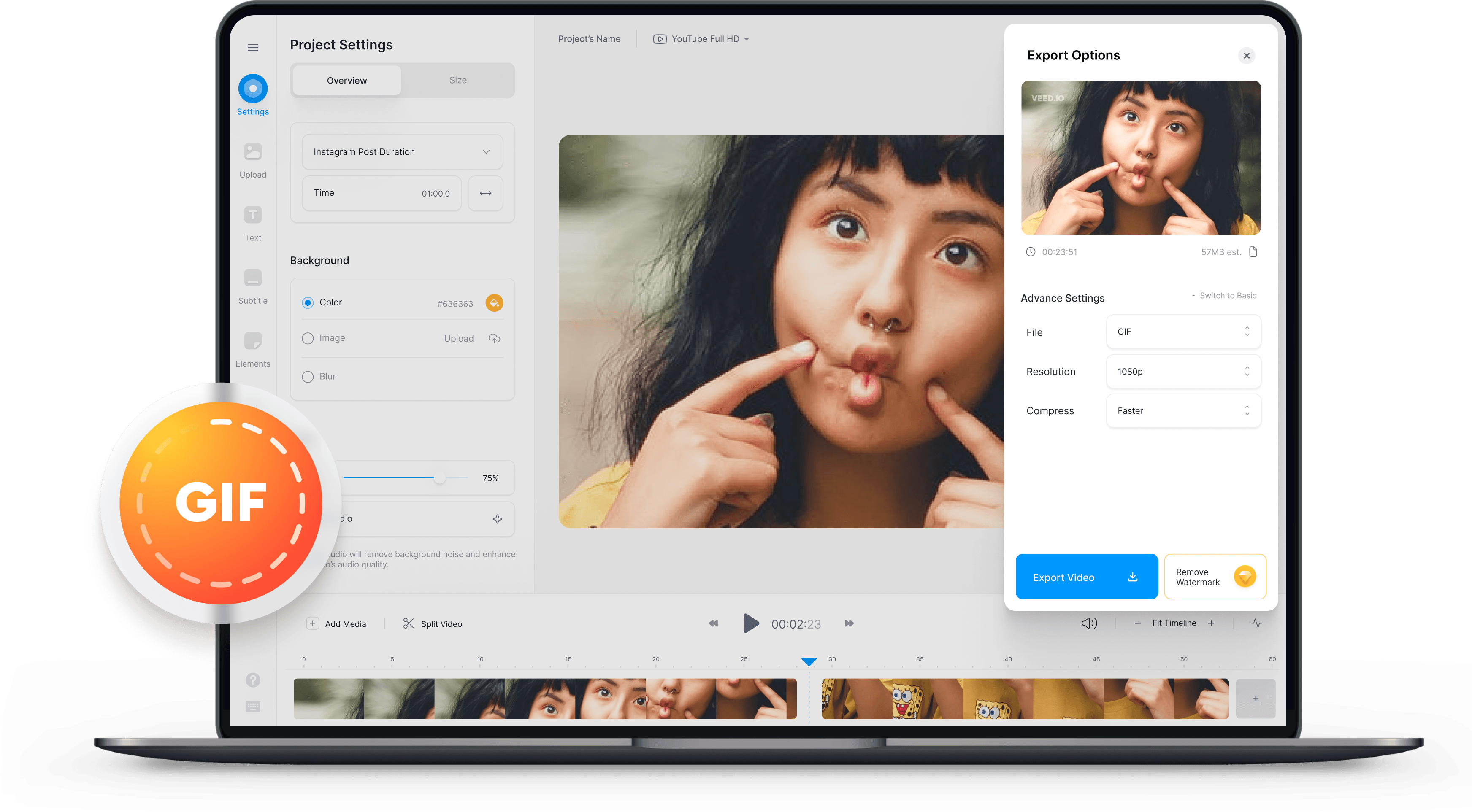
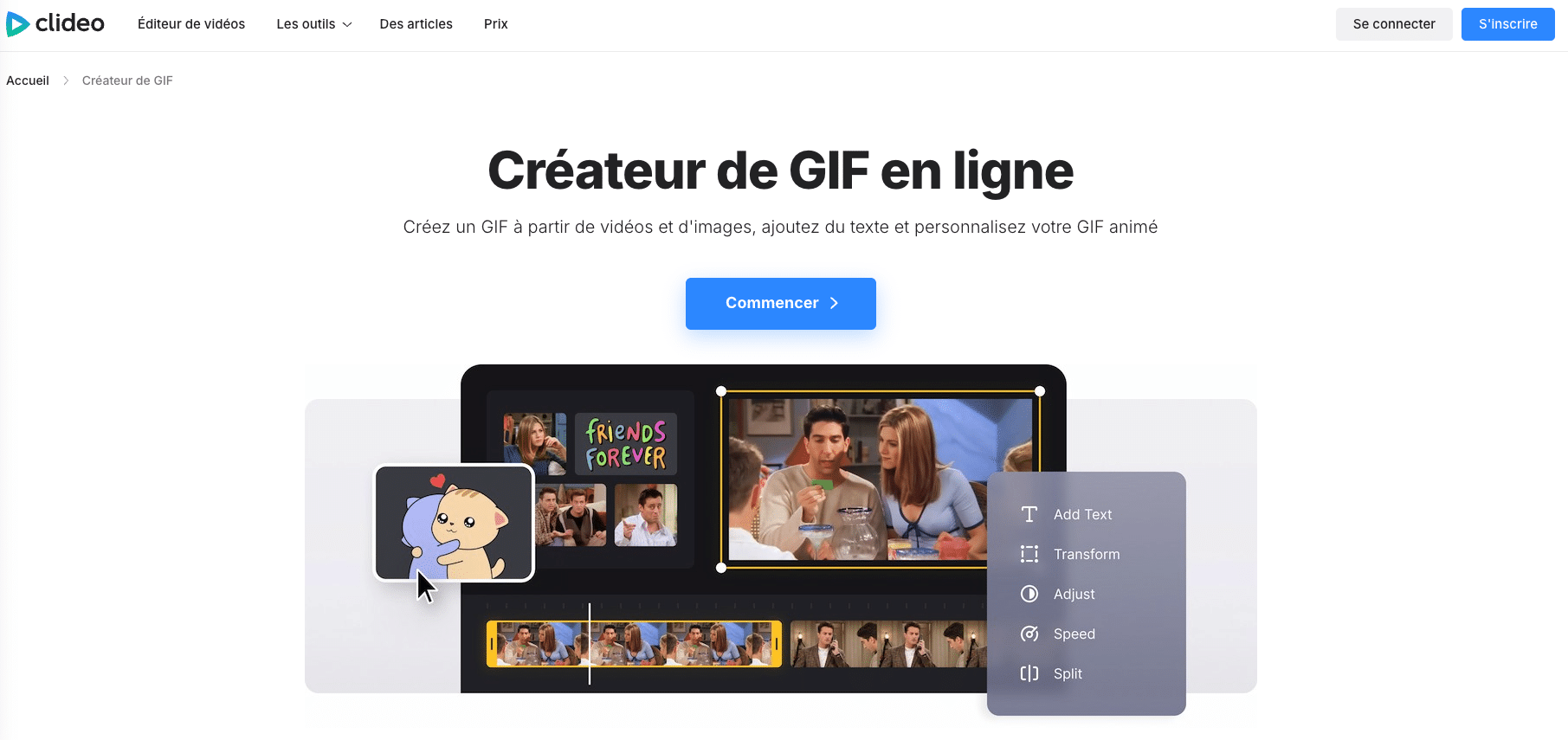
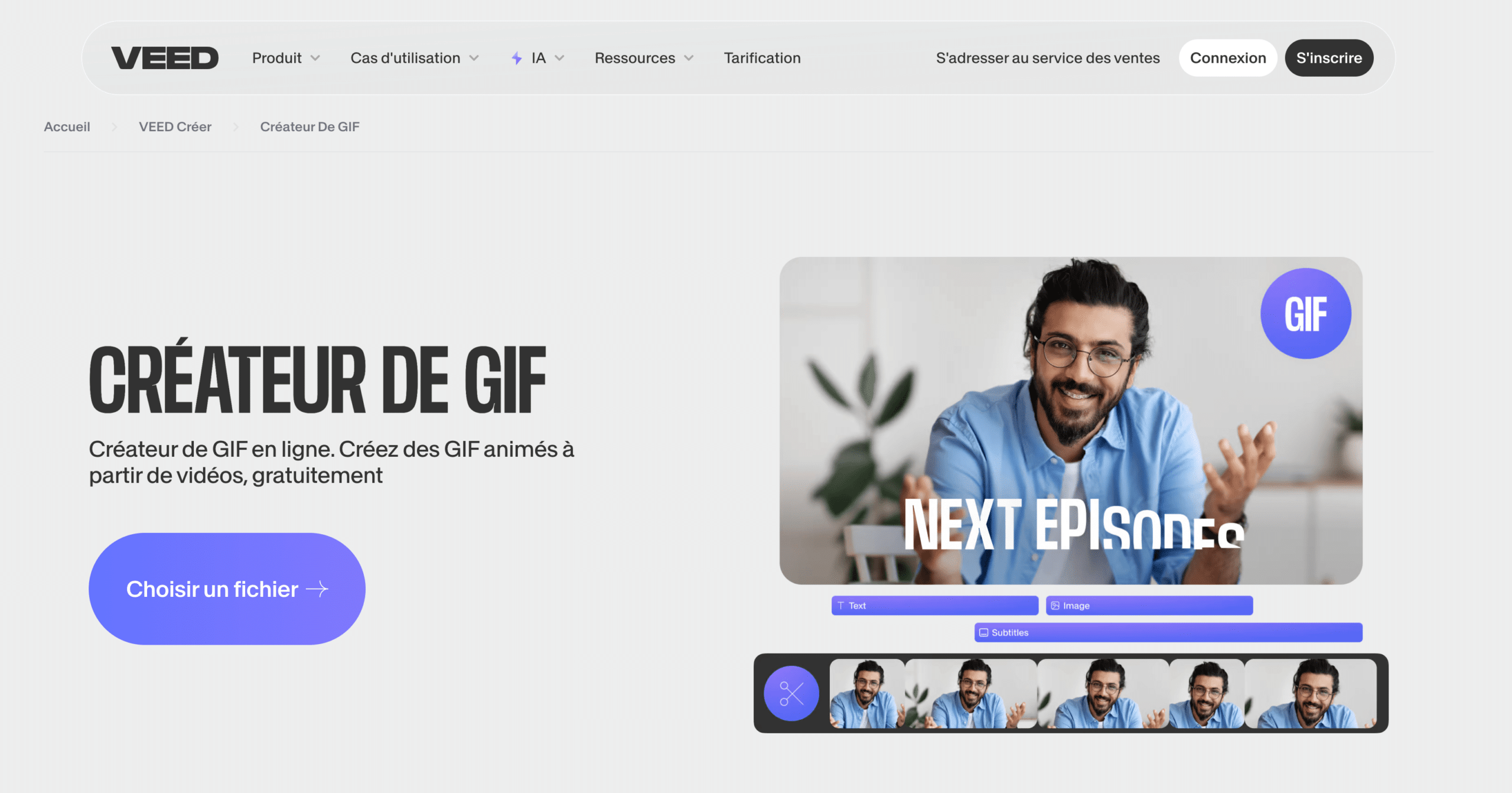
The internet is a vast and wondrous place, filled with cat videos, questionable dating advice, and a surprisingly large number of free online GIF makers. Think of them as tiny digital elves, tirelessly churning out animated goodness for your amusement. Ezgif.com is a popular one. Kapwing is another. There are dozens. Just Google "free online GIF maker," and you’ll be swimming in options faster than you can say "baguette."
Here’s the gist:
- Find your weapon of choice (the GIF maker, that is). Seriously, there are so many. Pick one that looks user-friendly.
- Upload your video. Be warned: some sites have file size limitations. So, if you're trying to upload the extended director's cut of your life story, you might need to trim it down a bit.
- Choose your start and end points. This is where the magic happens! Select the *perfect* snippet of video. You know, the part where your hair dramatically whips across your face, or your cat *almost* catches the laser pointer.
- Adjust the speed. Want to make it look like your grandma's doing the Macarena at warp speed? Crank it up! Want to slow things down so everyone can fully appreciate the majesty of a falling pancake? You got it!
- Add text (optional). Because sometimes, a GIF is just better with a witty caption. “Nailed it!” “Deal with it!” “Hon hon hon!” The possibilities are endless.
- Download your masterpiece! Behold! Your very own GIF, ready to be unleashed upon the unsuspecting internet.
Pro tip: Keep your GIF short and sweet. A few seconds is all you need. Nobody wants to watch a 30-second GIF on repeat. Unless, of course, it's a 30-second GIF of a hamster eating a tiny burrito. Then, that’s acceptable.
Option 2: The App-tastic Approach – Because Your Phone is Basically a Magic Wand
If you’re more of a mobile maestro, there are tons of apps that let you create GIFs right on your phone. Think of it as bringing the GIF-making power to your fingertips. Imagine, you’re sitting on the bus, suddenly struck by inspiration to create a GIF of a pigeon doing... pigeon things. Boom! You whip out your phone, capture the moment, and unleash your GIF-y creation upon the world before you even reach your stop.
Some popular app choices include Giphy Cam, ImgPlay, and GIF Maker – GIF Editor. They all work in roughly the same way:
- Download the app. This part is crucial.
- Record a new video, or upload an existing one. Most apps let you do both.
- Trim, crop, and tweak to your heart's content. Add filters, stickers, text – the works!
- Save your GIF. And share it with all your friends (and enemies!).
Warning: GIF-making can be addictive. Don't be surprised if you suddenly find yourself filming everything in your life, just in case it might make a good GIF. Your cat will thank you (or, more likely, glare at you with disdain).
Option 3: The "I Have Software" Solution – For the Slightly More Tech-Savvy
If you're rocking software like Photoshop or even some video editing programs, you can also create GIFs that way. This offers a little more control over the process and allows for more complex editing. Think of it as upgrading from finger painting to oil painting. It takes a bit more skill, but the results can be truly spectacular.
The process varies depending on the software you're using, but it generally involves:
- Importing your video.
- Chopping it into frames. This is where the magic happens! Each frame will become part of your animated GIF.
- Editing each frame (optional). You can adjust the colors, add effects, and generally make each frame look fabulous.
- Setting the frame delay. This determines how long each frame is displayed, which affects the speed of your GIF.
- Saving as a GIF. And voila! You have a high-quality GIF, ready to conquer the internet.
Important note: This method is a bit more involved, so you might want to consult a tutorial or two before diving in headfirst. But hey, who doesn't love a good tutorial? Especially when it involves GIFs!
So, there you have it! Three ways to create GIFs from videos for free. Now go forth and create some animated masterpieces! The internet awaits. Just remember, with great GIF power comes great responsibility. Use your newfound abilities wisely. And maybe, just maybe, immortalize that synchronized swimming routine in your bathtub. We’re all waiting for it.
Et voilà! Now, if you'll excuse me, I have a sudden urge to film my cat chasing a dust bunny...for science, of course!