Comment Faire Un Formulaire Qui Renvoie à Une Fonction
Okay, picture this: I’m at a friend’s party, and they have this *amazing* homemade cocktail. Like, knock-your-socks-off good. I *need* the recipe. So, I ask, naturally. And my friend, bless her heart, pulls out a crumpled napkin with ingredient scribbles and vague instructions. It's a disaster waiting to happen! That's kinda like a form that doesn't know where to send its data, isn’t it?
Now, imagine that cocktail recipe was neatly typed into a form online. You enter your email, click "Submit," and BAM! The recipe arrives in your inbox. That, my friends, is a form that *knows* how to talk to a function! And that's what we're going to chat about: how to build one of those digital recipe-delivery systems (but, you know, for more practical stuff than cocktails, unless...).
The Big Picture: Form + Function = Magic
At its heart, a form that calls a function is pretty simple. You’ve got two main components:
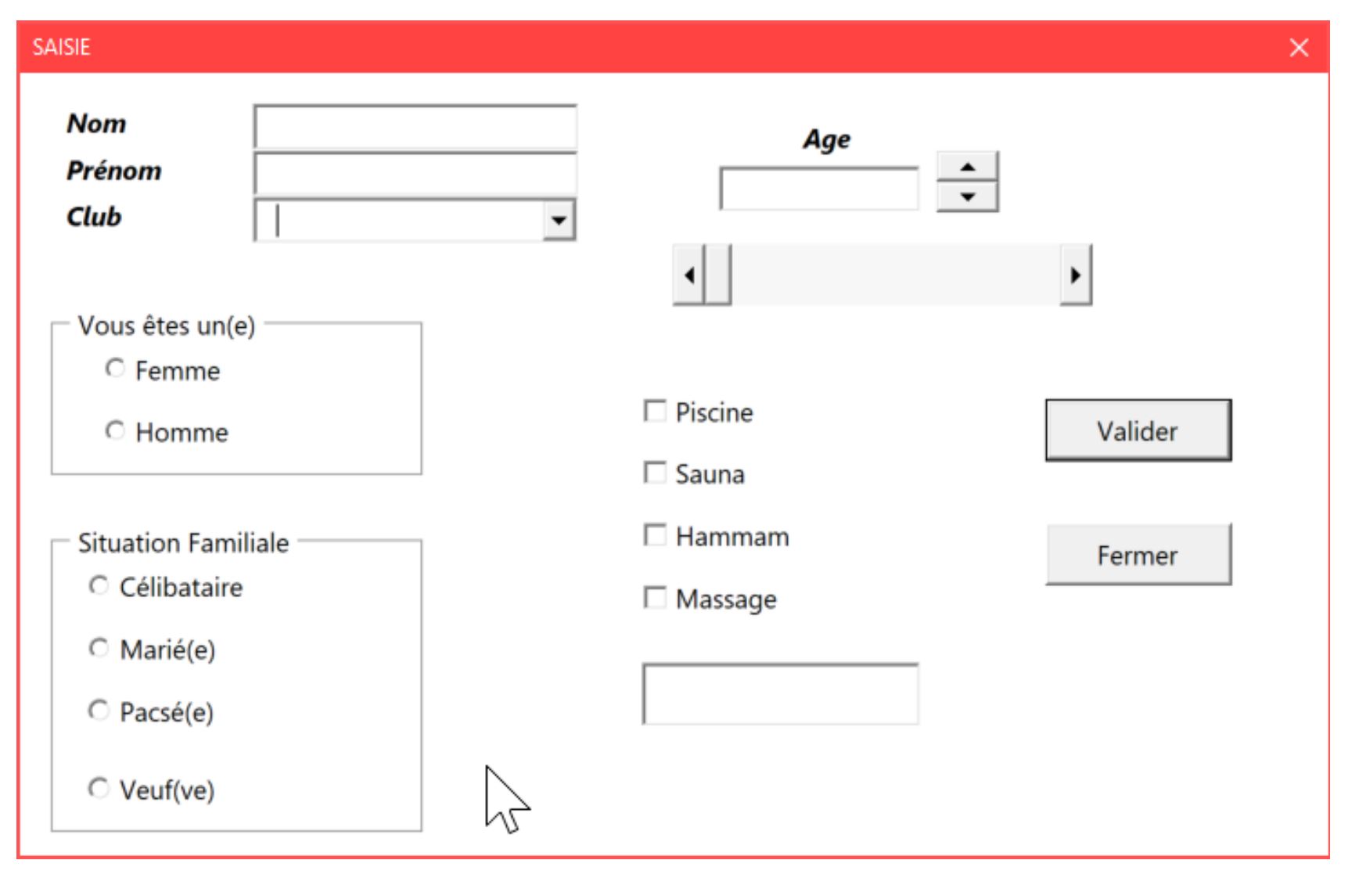
- The Form: This is the HTML part, with all your <input> fields, <textarea> areas, and that all-important <button> that triggers the whole thing. Think of it as the user interface, the place where the data gets *entered*.
- The Function: This is the code that *processes* the data you collect from the form. Maybe it saves it to a database, sends an email, performs a calculation – the sky's the limit! (Okay, the internet speed and server capacity are the limits, but you get my drift!)
The trick is connecting these two parts. How do you tell the form, "Hey, when someone clicks 'Submit,' I want *this* function to run with *this* data?" That’s where some JavaScript (or other server-side language) comes in.
A Simple HTML Form (Just the Basics)
Let’s start with a super basic HTML form:
<form id="myForm">
  <label for="name">Name:</label><br>
  <input type="text" id="name" name="name"><br><br>

  <label for="email">Email:</label><br>
  <input type="email" id="email" name="email"><br><br>

  <button type="submit">Submit</button>
</form>
See? Nothing too scary. We've got a name field, an email field, and a submit button. Notice the id="myForm"? That's going to be important later.
JavaScript to the Rescue! (Connecting the Dots)
Now, let's add some JavaScript to actually *do* something when the form is submitted. We'll use JavaScript to grab the form data and then (for this example) just display it in an alert. In a real-world scenario, you'd replace this with your *actual* function that does something useful.
<script>
  const form = document.getElementById('myForm');

  form.addEventListener('submit', function(event) {
    // Prevent the default form submission (which would reload the page)
    event.preventDefault();

    // Get the form data
    const name = document.getElementById('name').value;
    const email = document.getElementById('email').value;

    // **This is where you'd call your actual function!**
    // For now, let's just show an alert.
    alert(`Name: ${name}\nEmail: ${email}`);

    // You'd replace the alert with something like:
    // myAwesomeFunction(name, email);
  });
</script>
Let's break down what's happening here:
document.getElementById('myForm'): We're grabbing our form using its ID (remember thatid="myForm"?).form.addEventListener('submit', function(event) { ... });: This tells the form to "listen" for the "submit" event (i.e., when someone clicks the submit button). When that happens, the function inside the curly braces will run.event.preventDefault();: This stops the form from doing its default behavior, which is usually to reload the page. We don't want that! We want to handle the data with JavaScript.document.getElementById('name').value;anddocument.getElementById('email').value;: These lines grab the values that the user typed into the name and email fields.alert(...): This is just a temporary placeholder. **Replace this with your own function!** This is the magic moment where you actually *do* something with the data.
So, there you have it. A simple form that calls a function. It's not going to win any design awards, and it doesn't actually send any data anywhere, but it demonstrates the fundamental principle. The real power comes from what you do inside your custom function. You can save to a database, send an email, process payments, build a social network... the possibilities are endless. And remember, debugging is your friend! Don't be afraid to experiment and Google things! We've all been there.
Now, go forth and build awesome forms! (And maybe send me that cocktail recipe?)


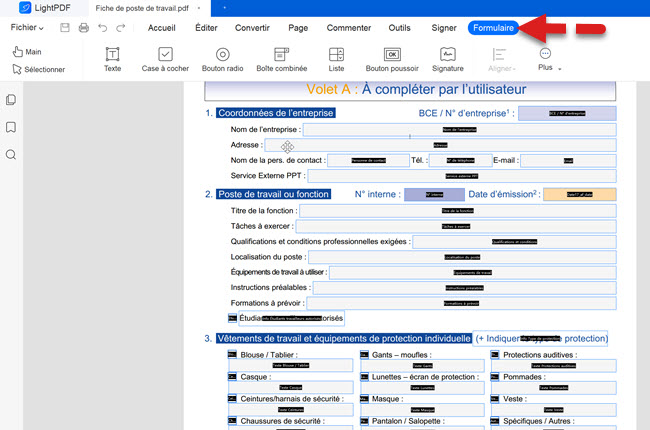
![Comment Faire Un Formulaire Qui Renvoie à Une Fonction Comment remplir un formulaire W-9: Guide du débutant | [Official] UPDF](https://updf.com/wp-content/uploads/2023/12/creer-formulaire-pdf-de-excel-1024x576.webp)