Comment Faire Un Flowchart En Jeu-video

Salut les game devs en herbe ! Ever wonder how those sprawling, epic video games *actually* get made? It's not just magic, you know! A big part of the process is surprisingly… organized. We’re talking flowcharts! Sounds boring? Trust me, it's cooler than you think. Let’s dive into how to use them for game development. En français, s'il vous plaît !
So, **comment faire un flowchart en jeu-vidéo**? Think of a flowchart as a visual roadmap for your game. It's a diagram that shows the steps in a process, from start to finish. Like a GPS for your coding adventure!
Pourquoi se prendre la tête avec un flowchart ?
Why bother? Good question! Imagine trying to build a house without blueprints. Chaos, right? A flowchart is the blueprint for your game's logic. It helps you:
- Plan your game's structure before you write a single line of code.
- Visualize complex systems like AI behavior or quest lines.
- Identify potential problems and bottlenecks early on. No one wants a game-breaking bug showing up at the last minute!
- Communicate your ideas clearly to your team. Ever tried explaining a complex game mechanic verbally? It's like herding cats!
Think of it as a way to *organize your thoughts* before they turn into a tangled mess of code. Wouldn't you rather have a nice, clean garden than a jungle?
Les bases du flowcharting
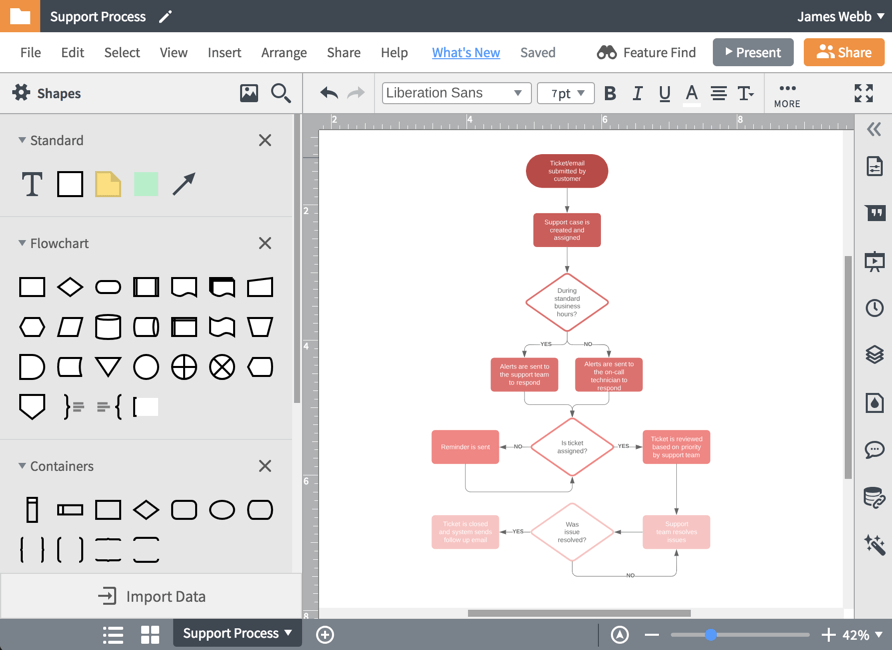
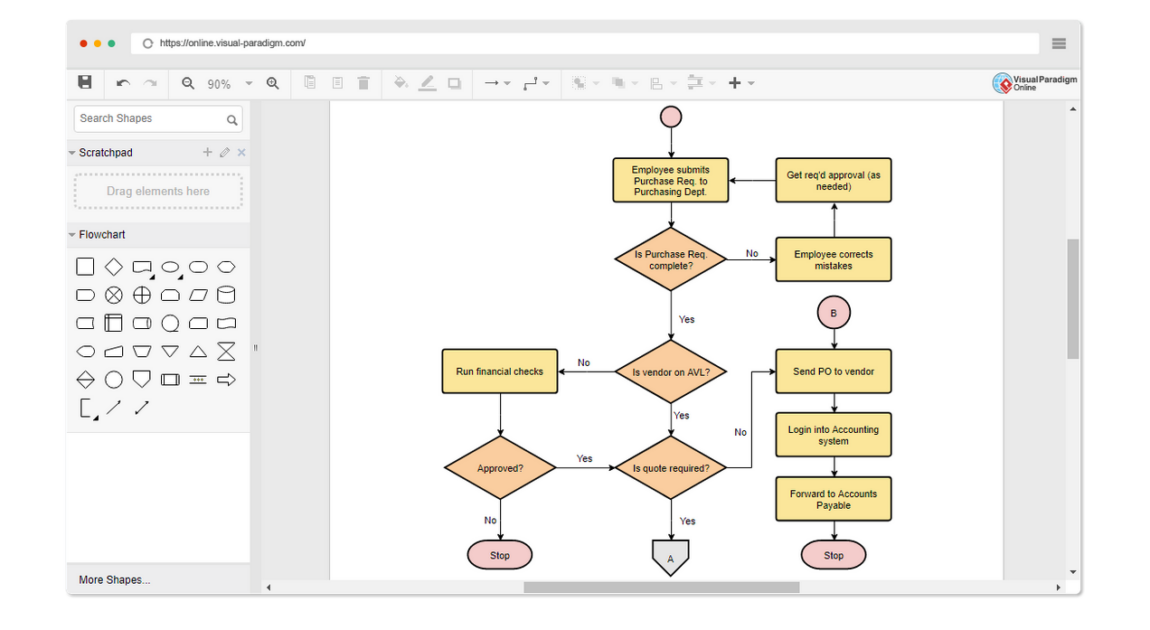
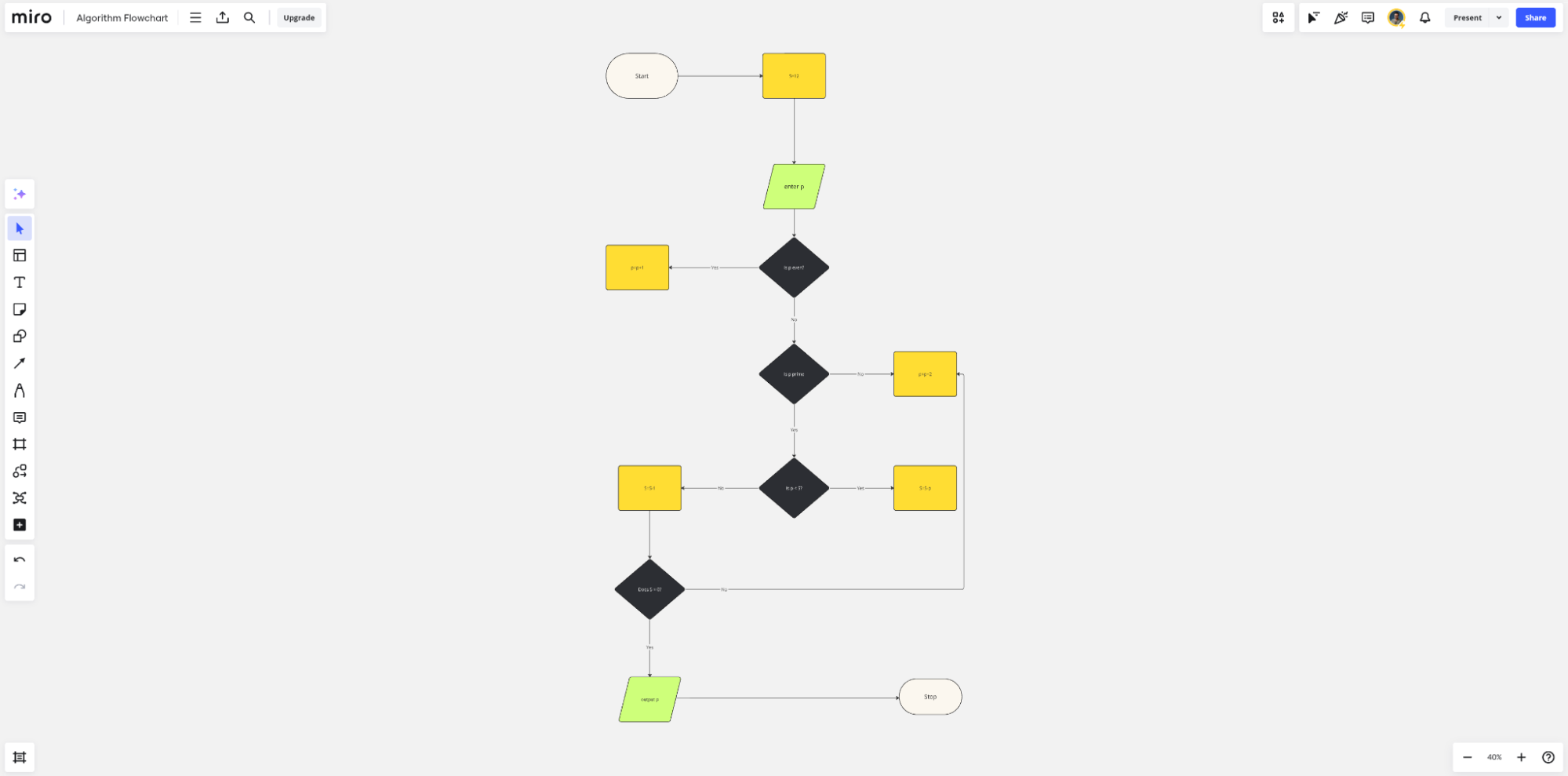
Okay, so what does a flowchart actually look like? Don't worry, it's not rocket science! You'll need a few basic shapes:
- Oval: Indicates the start and end of a process. The "GO!" and the "VICTORY!" shouts of your flowchart.
- Rectangle: Represents a process or action. Like "Player Presses Jump" or "Enemy Attacks."
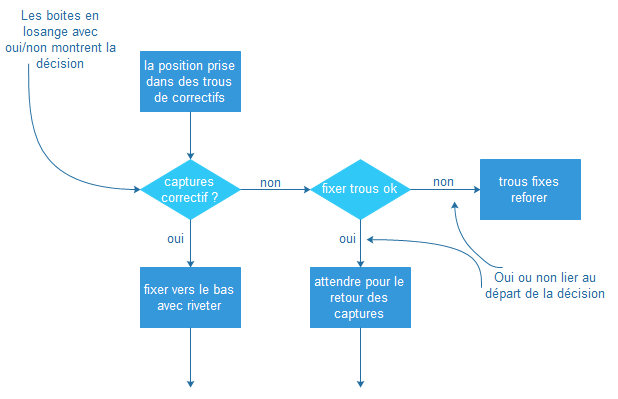
- Diamond: Shows a decision point. A crossroads where the game has to make a choice based on conditions (e.g., "Is the player's health low?").
- Arrows: Connect the shapes and show the flow of the process. They're the roads that lead your game forward.
It's like connecting the dots, but instead of a picture of a donkey, you get a working game mechanic! Simple, non ?
Un exemple concret : Une attaque simple
Let's say you want to create a simple attack sequence in your game. Here's how you might flowchart it:
- Start (Oval): Player presses the "Attack" button.
- Process (Rectangle): Game checks if the player is within range of an enemy.
- Decision (Diamond): Is an enemy in range?
- If YES (Arrow): Damage the enemy.
- If NO (Arrow): Play a "swing and miss" animation.
- End (Oval): Attack sequence complete.
See? Not so scary! You've just mapped out the logic for a fundamental game action. Think of how much more complex you can get! Imagine the intricate branching paths of a RPG dialogue, or the sophisticated AI decision-making of an enemy boss!
Outils et astuces pour un flowchart au top
You can use all sorts of tools to create flowcharts. From simple pen and paper (old school!) to dedicated flowchart software like Visio or draw.io (free and online!). Even Google Docs has flowcharting capabilities. The important thing is to *find what works best for you*.
Here are a few tips to keep in mind:
- Keep it simple: Don't try to cram too much information into one flowchart. Break down complex processes into smaller, manageable chunks.
- Be consistent: Use the same shapes and symbols consistently throughout your flowcharts.
- Test your flowchart: Walk through the flowchart step-by-step to make sure it works logically. Does it make sense? Are there any gaps in the logic?
Le secret is in the planning! A well-designed flowchart will save you hours of debugging and rewriting code later on. It's like putting on your seatbelt before driving - a simple precaution that can prevent a major headache.
Flowcharts might seem like a dry, technical thing, but they're actually a powerful tool for game developers of all levels. They help you visualize your ideas, organize your thoughts, and build better games. So go ahead, give it a try! You might be surprised at how much it can help. Bonne chance et amusez-vous !