Comment Faire Un Film Continu Avec Plusieurs Petites Videos

Okay, imagine this: I spent an *entire* afternoon filming my cat, Monsieur Froufrou, attempting (and spectacularly failing) to catch a laser pointer. Hours! I had maybe, like, fifty little video clips. Each one hilarious, naturally. But uploading them all separately to Insta? Absolutely not. No one wants to scroll through *fifty* separate videos of a slightly overweight feline’s existential crisis. (Except maybe me. And possibly Monsieur Froufrou.)
So, naturally, I needed to stitch them all together into one glorious, continuous movie. And that, my friends, is precisely what we’re tackling today! How to turn a bunch of mini-videos into a single, seamless masterpiece. No film school required, I promise.
Why Bother? (A Fair Question)
Let's be real, why *should* you bother? Well, think about it. Maybe you're documenting a road trip, a birthday party, a hilarious family gathering, or, you know, a cat's unfortunate encounter with a laser beam. One long video is just easier to watch, share, and, frankly, looks more professional. Plus, no one wants to deal with the suspense of waiting for the next clip to load. Instant gratification, people! It’s the 21st century!
And let’s not forget the dreaded "scroll fatigue." Your audience will thank you. Trust me. (They might not actually *say* thank you, but they’ll appreciate it subconsciously. Probably.)
The Tools of the Trade (AKA: Apps and Software)
Alright, time to get practical. The good news is, you probably already have everything you need right on your phone or computer! We’re not talking Hollywood-level equipment here. (Unless you *do* have Hollywood-level equipment. In that case, why are you reading this?)
For Mobile Maestros:
- iMovie (iOS): Free, pre-installed, and surprisingly powerful. Seriously, it can do way more than you think.
- Adobe Premiere Rush (iOS & Android): A simplified version of Premiere Pro. Perfect for beginners, but with enough features to keep things interesting. (You'll likely need a subscription though!)
- InShot (iOS & Android): Super popular for its ease of use and tons of cool effects. Great for social media content.
For Desktop Dynamos:
- iMovie (macOS): Yep, it’s on desktop too! Even more features than the mobile version.
- DaVinci Resolve (macOS, Windows, Linux): The free version is incredibly robust. If you're serious about editing, this is the way to go. (Steep learning curve, fair warning!)
- Adobe Premiere Pro (macOS & Windows): The industry standard. Powerful, but comes with a price tag. (And a learning curve rivaling Mount Everest!)
Pro Tip: Download a free trial of a few different programs and see which one feels most intuitive for you. It's all about personal preference!
The Art of the Edit (It's Easier Than You Think)
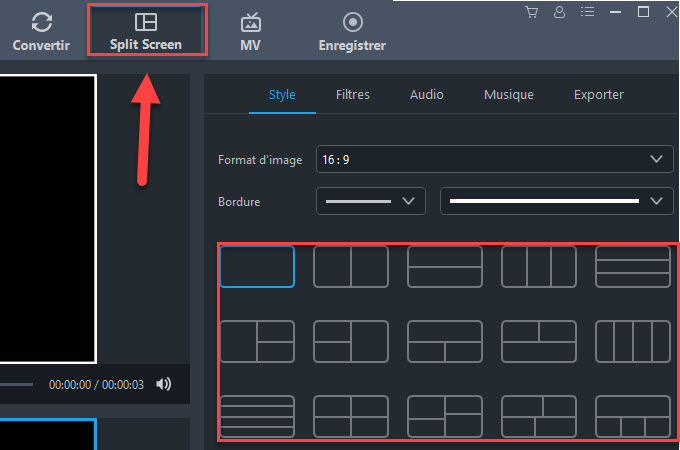
Okay, you've chosen your weapon of choice. Now what? The basic process is the same regardless of which software you're using.
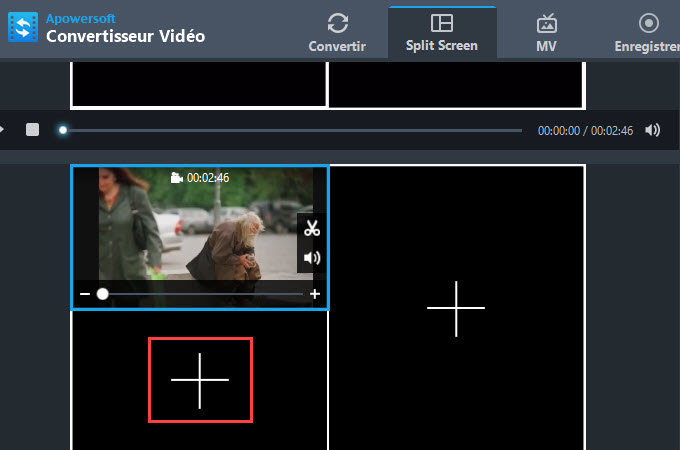
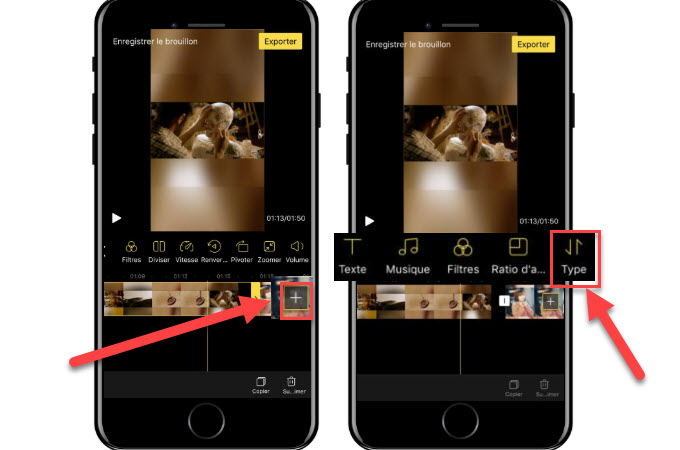
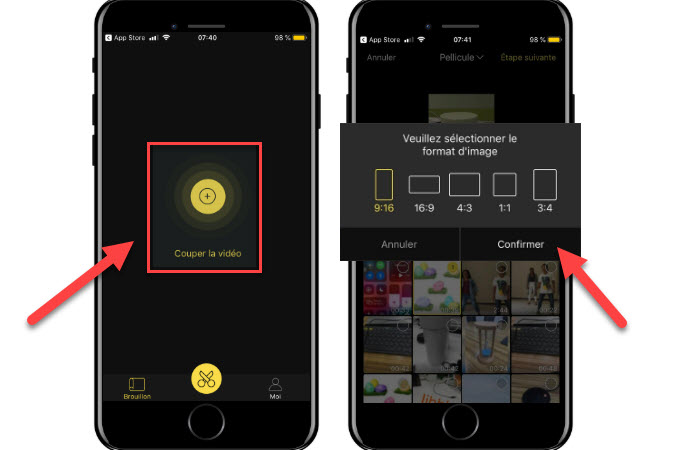
- Import your clips: Drag and drop, upload from your phone, whatever works. Get them all into your editing software.
- Arrange your clips: Decide the order you want them to appear in. (This is where storytelling comes in!)
- Trim the fat: Nobody wants to see the three seconds of awkward silence before the action starts. Cut out the unnecessary bits.
- Add transitions: Crossfades, wipes, dips to black… transitions make the video flow smoothly from one clip to the next. (Don't go overboard though. Subtlety is key!)
- Add music (optional): A good soundtrack can elevate your video to the next level. Just make sure you have the rights to use the music! (Copyright is a real thing, people!)
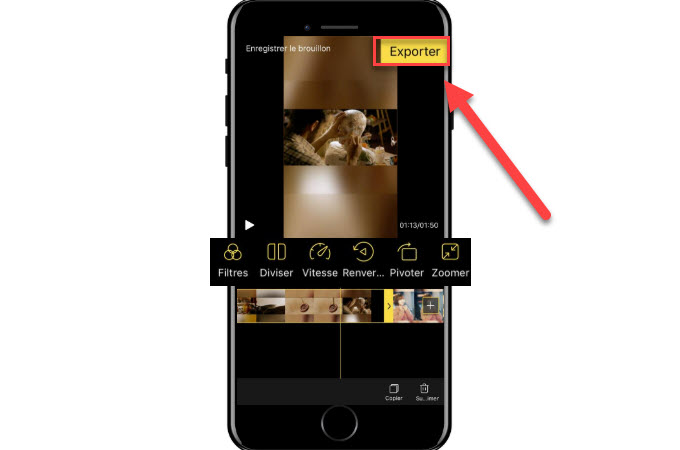
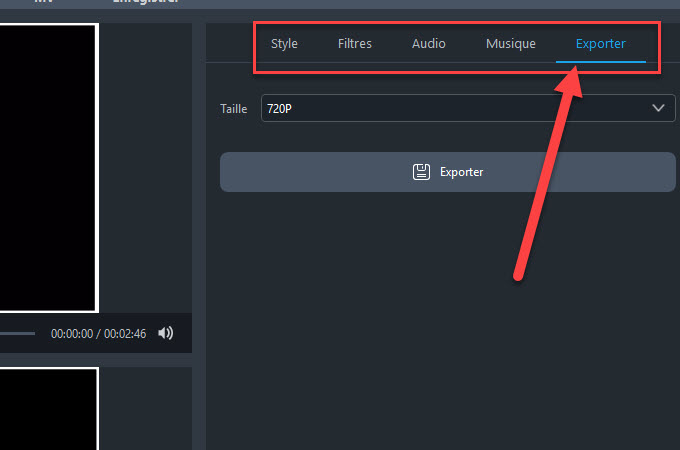
- Export your video: Choose your desired resolution and file format. Boom! You're done!
My ironic side comment: Don’t stress too much about perfection! Remember, imperfection can be charming. Unless you're aiming for a Cannes Film Festival nomination. Then, maybe stress a little.
Transitions: The Secret Sauce
Transitions are the unsung heroes of seamless video editing. They bridge the gaps between clips and make the whole thing feel, well, *continuous*. A simple crossfade is usually your best bet. It’s clean, elegant, and doesn't distract from the content. (Unlike, say, a spinning star wipe. Please, no spinning star wipes.)
Another ironic side comment: Use transitions sparingly. Too many transitions is like putting too much seasoning on a dish. It overpowers the main ingredient (which, in this case, is your glorious footage of Monsieur Froufrou chasing a laser pointer).
Final Thoughts (And a Pep Talk)
Creating a continuous video from multiple clips might seem daunting at first, but trust me, it's totally doable. Just pick a software, play around with it, and don't be afraid to experiment. The worst that can happen is you accidentally delete everything and have to start over. (Okay, that *would* be bad. But you'll learn from it!)
Now go forth and create your video masterpiece! And if you happen to make a hilarious cat video, be sure to send it my way. I’m always in need of a good laugh (and so is Monsieur Froufrou, even if he'd never admit it).