Comment Faire Un Effet Boomerang Sur Une Video
Okay, imagine this. I'm at a friend's birthday party, feeling all *influencer* (even though my follower count says otherwise – hey, we all start somewhere, right?). I see this epic cake, sparklers going wild, and I think, "Boomerang potential!" So, I whip out my phone, try to get that perfect looping shot… and completely botch it. Cake almost ends up on the floor, and I look like I’m fighting a rogue firework. Mortifying. But it got me thinking: how *do* you actually nail that perfect boomerang video?
Turns out, it's not rocket science. And I'm here to share my (hard-earned) wisdom so you don’t have your own cake-related near-disaster.
What Exactly IS a Boomerang, Anyway?
For the uninitiated (and honestly, even for those who *think* they know), a Boomerang isn't just a regular video played in reverse. It's a burst of photos stitched together into a very short, looping video. Think of it as a tiny, endlessly repeating GIF with a bit of back-and-forth action. It’s snappy, it’s fun, and when done right, it’s ridiculously addictive to watch.
Now, let's dive into making one yourself. Prepare to unleash your inner Spielberg... or at least, your inner-Instagram-guru.
Method 1: The Official Boomerang App (RIP?)
For years, the OG way to make a Boomerang was…drum roll… the Boomerang app itself! Developed by Instagram, it was specifically designed for this purpose. Simple, elegant, and to the point. You pointed, you shot, you shared. Easy peasy.
Unfortunately, the standalone Boomerang app has been discontinued by Meta. I know, *big sigh*. Don't panic though, there are still plenty of ways to create those looping masterpieces.
Method 2: Directly Through Instagram (The King Remains)
The *easiest* and most common method today? Using Instagram Stories! Here’s the breakdown:
- Open Instagram and swipe right to access the Stories camera.
- At the bottom, you'll see different options like "Live," "Story," "Reels," etc. Swipe until you find "**Boomerang**."
- Tap the Boomerang icon and… ACTION! The app will take a short burst of photos.
- Instagram automatically loops the footage, creating your Boomerang.
- From here, you can add filters, text, stickers, or draw on your Boomerang before posting it to your Story. Get creative!
See? Told you it wasn’t rocket science. You can even save the boomerang directly to your camera roll before posting to your story, which is a pro tip in case you want to use it elsewhere.
Method 3: Editing Apps (Level Up Your Boomerang Game)
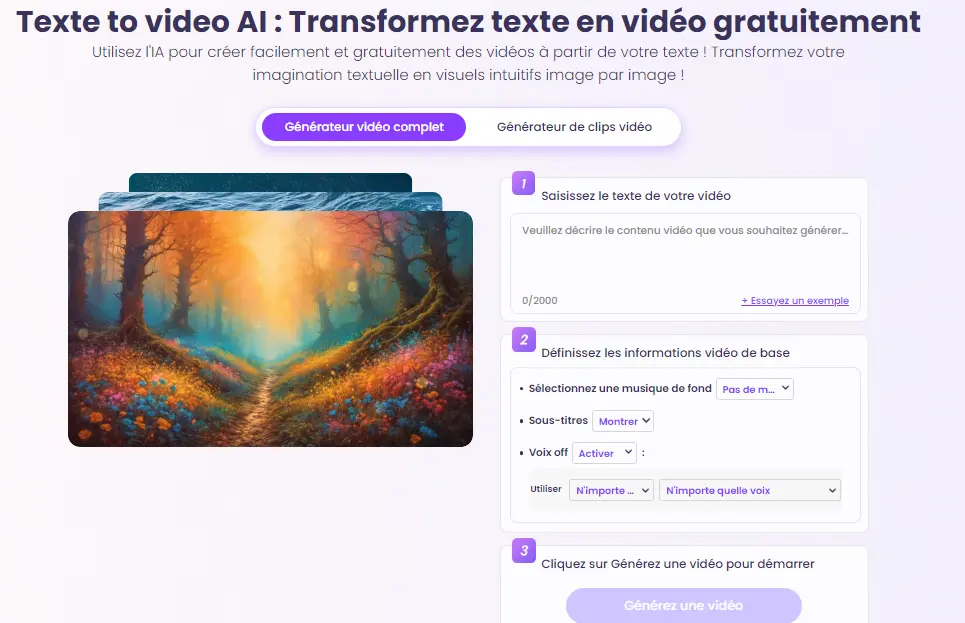
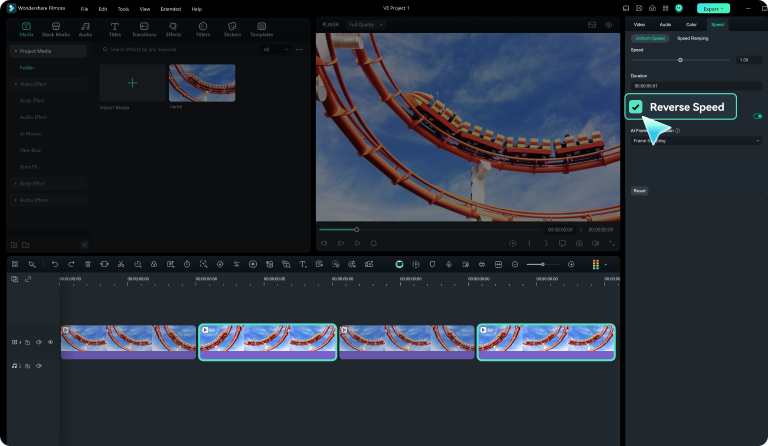
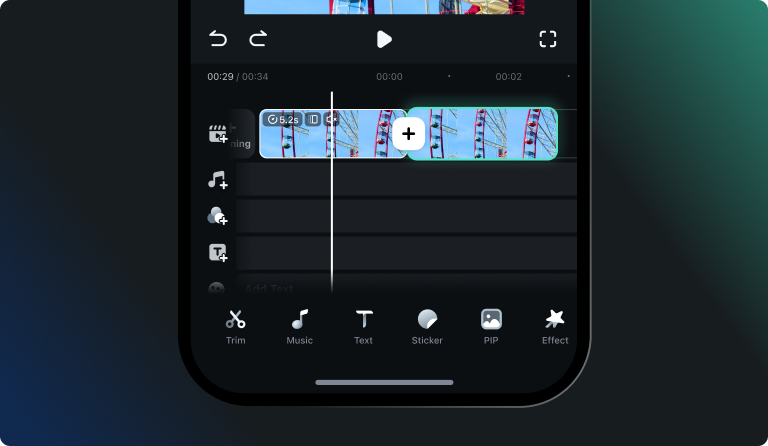
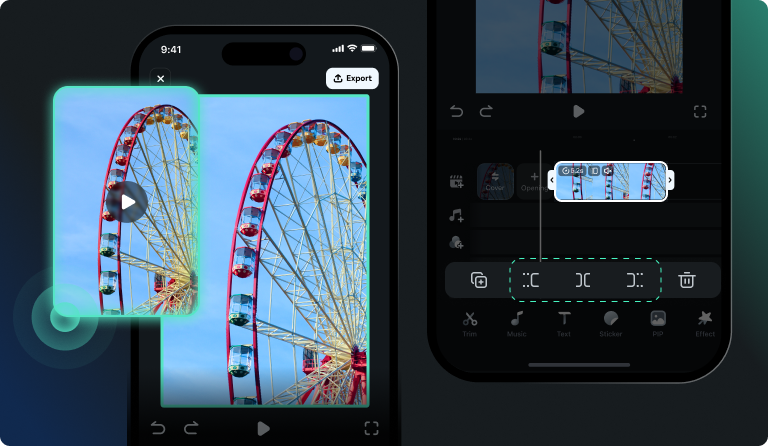
If you want more control and customization, editing apps are your best friend. Many video editing apps offer features that allow you to create a Boomerang-like effect from regular video footage.
Apps like CapCut, InShot, and even TikTok offer this functionality. Simply import your video, find the "reverse" or "loop" feature, and play around with the settings. You can often adjust the speed, number of loops, and add other visual effects. This gives you way more flexibility than the Instagram method. Want to add a dramatic zoom? You got it! Want to slow down the reverse portion? No problem!
This method is great if you already have video footage you want to turn into a Boomerang, or if you want to achieve a more polished and professional look. Also, it's perfect if you are not an avid user of Instagram but still want to create great boomerangs!
Tips for Boomerang Success
Okay, now for the really important stuff. Here are a few insider tips to help you create Boomerangs that *actually* look good:
- Keep it short and sweet: Boomerangs are about quick, impactful moments. Don't try to cram too much into a single shot.
- Stable hand: Shaky footage is the enemy of a good Boomerang. Use a tripod or brace yourself against something to keep the camera steady.
- Find the right movement: Look for actions that have a clear beginning and end, like jumping, throwing something, or even just a simple head turn.
- Lighting is key: Good lighting makes *everything* better, including Boomerangs. Avoid shooting in dark or overly-lit environments.
- Experiment and have fun! The best way to learn is by doing. Don't be afraid to try new things and see what works.
So, there you have it! Everything you need to know about creating awesome Boomerang videos. Now go forth and boomerang everything! And if you end up with cake on your face, well… at least you'll have a funny story to tell.