Comment Faire Un Clone Sur Video Star

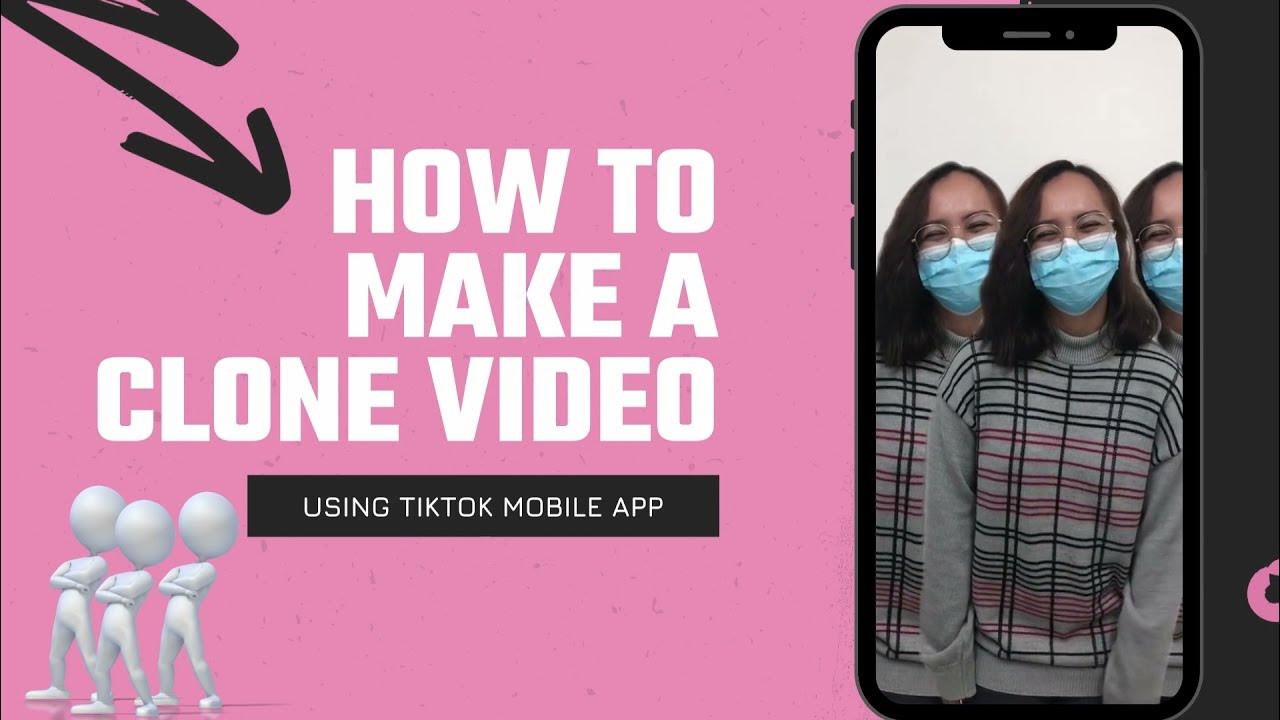
Okay, so picture this: I'm scrolling through TikTok (as one does, you know, for research... *cough*) and BAM! I see this video. Someone's having a whole dance party... *with themselves*! Like, five different versions of the same person, all perfectly synced, doing the same goofy moves. My jaw? Officially dropped. My immediate thought? "I NEED to learn how to do that!" Thus began my quest to conquer the art of cloning on Video Star.
Turns out, it's not as complicated as it looks. Well, maybe *a little* complicated. But definitely doable! Especially if you follow my super-duper-easy (famous last words, right?) guide. So, get ready to unleash your inner twin... or triplet... or quintuplet! The sky's the limit, people!
What You'll Need
First things first, let's gather our arsenal. You’ll need:
- Video Star: Obviously. Make sure you have it downloaded and ready to roll.
- A Tripod: Seriously, don't even *think* about trying this handheld. Unless you want a video that looks like it was filmed during an earthquake. A stable shot is KEY.
- Good Lighting: Natural light is your best friend. Avoid harsh shadows that will make your clones look like they're hiding in the dark.
- Yourself (multiplied): Just kidding! (Kind of.) You only need one of you, but you'll need to be prepared to film multiple takes.
- Creativity!: This is where the fun begins. Think about what kind of scene you want to create. A dance-off? A conversation with yourself? A synchronized snack-eating competition? (Don’t judge, I’ve thought about it.)
The Cloning Process: Step-by-Step
Alright, deep breaths. We're going in!
- Plan Your Scene: Before you even press record, have a clear idea of what you want each clone to be doing. Where will they stand? What actions will they perform? The more detailed your plan, the smoother the process will be.
- Record Your First Clone: Set up your tripod and get into position. Record your first take, making sure to stay within a specific area of the frame. Think of it as your "clone zone." *Important note:* don’t move the camera!
- Record Subsequent Clones: Now, carefully move to a different "clone zone" in the frame. Leave enough space between each "clone" so they don’t overlap too much. Record your second take. And your third. And so on. Remember to avoid moving the tripod at all costs!
- Import Your Clips into Video Star: Open Video Star and import all the clips you just recorded.
- The Magic Happens: Multi-Layer Time! This is where things get interesting. You're going to use the Multi-Layer effect.
- Masking is Your Friend: Select the first clip (the one you want in the "background"). Then, use the Mask tool to isolate that first "clone." Adjust the mask so only that portion of the frame is visible. (Think of it like cutting out a shape with scissors!)
- Repeat for Each Clone: Repeat the masking process for each of your clips. Each time, you'll be layering a new "clone" on top of the others, creating the illusion that they're all in the same scene. This is the *most important* part, so take your time. You can adjust the feathering of the mask to blend edges and make it look more natural.
- Add Effects and Polish: Once you've got your clones all assembled, add any effects you like, such as color grading, transitions, or text. Tweak the audio to get it just right.
Tips & Tricks (Because Let’s Be Honest, You’ll Need Them)
Okay, now for the insider secrets, the little nuggets of wisdom I picked up along the way (mostly through trial and error, and a LOT of deleting and re-doing):
- Use a Metronome: If your clones are dancing or performing actions in sync, use a metronome or backing track to keep them all on the same beat.
- Avoid Overlapping: Unless you *want* your clones to accidentally merge into a horrifying, multi-limbed monster, make sure they don't overlap too much.
- Practice Makes Perfect: Don't get discouraged if your first attempt looks a little...wonky. Cloning on Video Star takes practice. The more you do it, the better you'll get.
- Embrace the Glitches: Sometimes, imperfections can add a touch of quirky charm to your video. Don't be afraid to leave in a little "oopsie" here and there. (Unless it's *really* bad, then definitely fix it.)
And there you have it! Your ultimate guide to cloning yourself on Video Star. Now go forth and create some amazing, mind-bending videos! And don’t forget to tag me so I can admire your work. Happy cloning!