Comment Faire Un Capture Video Sur Switch

Okay, so you're rocking out on your Nintendo Switch, pulling off some seriously epic moves in Zelda, or maybe finally beating that impossible boss in Metroid. Wouldn't it be awesome to show off these legendary moments to your friends, family, or even the entire internet? Well, guess what? Capturing video on your Switch is totally doable and way easier than you might think! It's become super popular, and for good reason.
Why does capturing video matter? Think about it. For individuals, it's about preserving those personal victories. Maybe you aced a tricky level in Mario Kart and want to relive the glory (and maybe brag a little). For families, imagine recording your kids' hilarious reactions to playing a game for the first time. Those are memories you can cherish forever. And for the wider gaming community, sharing gameplay allows you to teach others new strategies, create awesome montages, or even just bond over shared gaming experiences.
Imagine this: little Timmy finally masters the Z-targeting in Ocarina of Time. His parents record his excited shouts and fist-pumps. They upload it to a private family group chat, and everyone gets to share in his joy. Or, picture Sarah, a seasoned Splatoon player, sharing her best strategies online, helping newcomers improve their game. She captures her matches, adds commentary, and builds a whole community around her gameplay. These examples show how video capture on the Switch connects people and creates lasting memories.
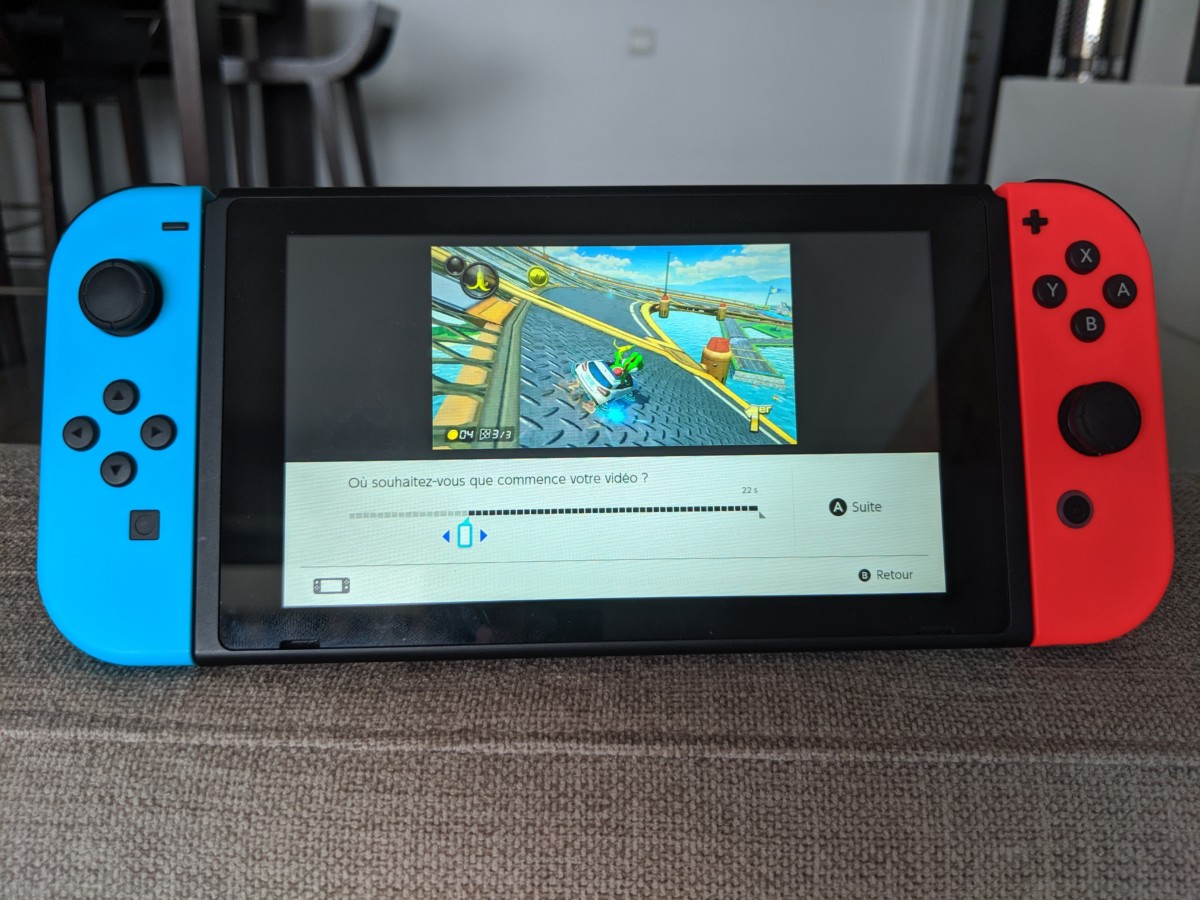
So, how do you actually do it? It's super straightforward. During gameplay, simply hold down the Capture Button (that little square button on the left Joy-Con) for about a second. The Switch will then save the previous 30 seconds of gameplay as a video clip. That's it! No complicated setups or extra equipment needed. Important tip: make sure you have enough storage space on your Switch's internal memory or on a microSD card.
Once you've captured your video, you can find it in your Album. From there, you can edit it (trimming the beginning and end) and then share it to social media platforms like Facebook and Twitter directly from your Switch. You can also transfer the video to your computer using a microSD card or by connecting your Switch to your computer with a USB cable. This allows for more advanced editing using software like iMovie or Adobe Premiere.
One more handy tip: some games even have built-in recording features that let you capture longer clips or even stream your gameplay live. Check the game's settings to see what options are available.
In short, capturing video on your Nintendo Switch is a fantastic way to preserve memories, share your skills, and connect with others. It's easy, accessible, and opens up a whole world of possibilities. So, go ahead, capture those epic moments and share the fun! You might be surprised at how much joy it brings to you and others.