
Comment Faire Jouer Une Video Youtube En Boucle
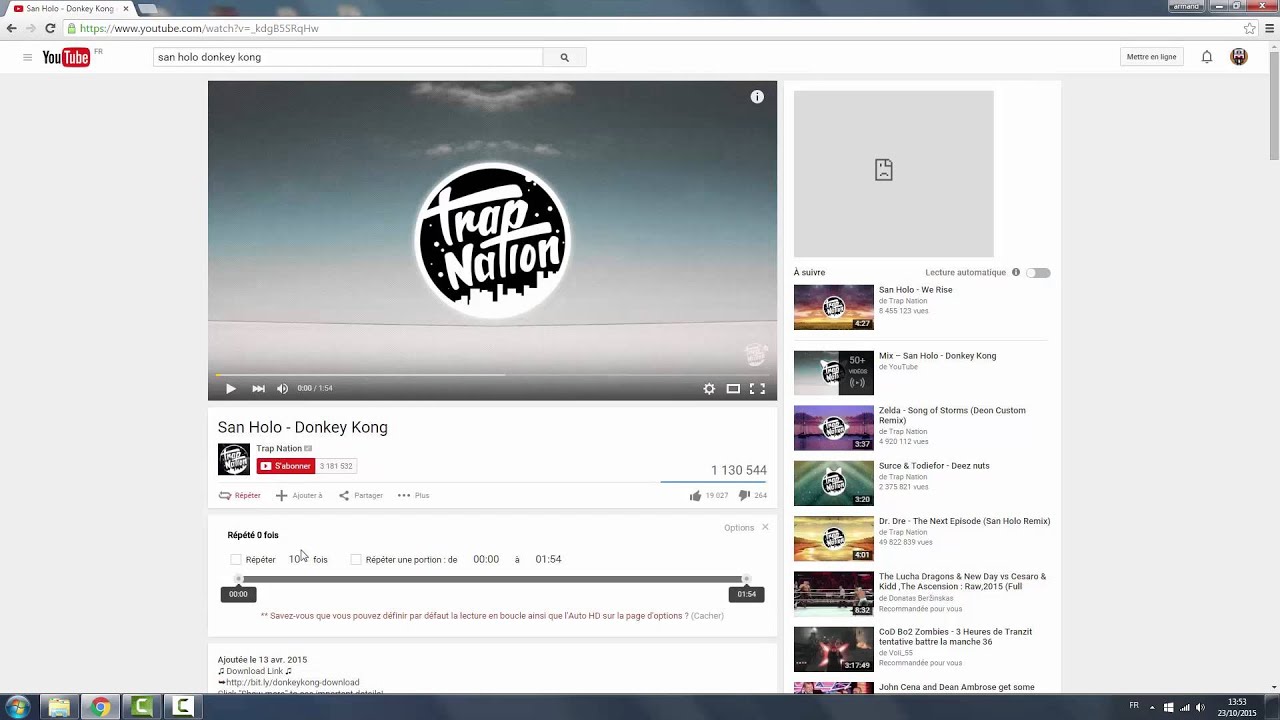
Salut toi ! Ever wanted a YouTube video to play... forever? Like, *Groundhog Day* but with cats doing silly things? Bien sûr que oui! Let's get this party started. On parle de YouTube en boucle – repeating videos, because why not?
The Infinite Loop: YouTube Style
Okay, so you've found *the* video. The one that speaks to your soul. A hamster eating a tiny burrito? A tutorial on how to fold fitted sheets (good luck with that!)? You need to watch it *again*. And *again*. Here’s the lowdown.
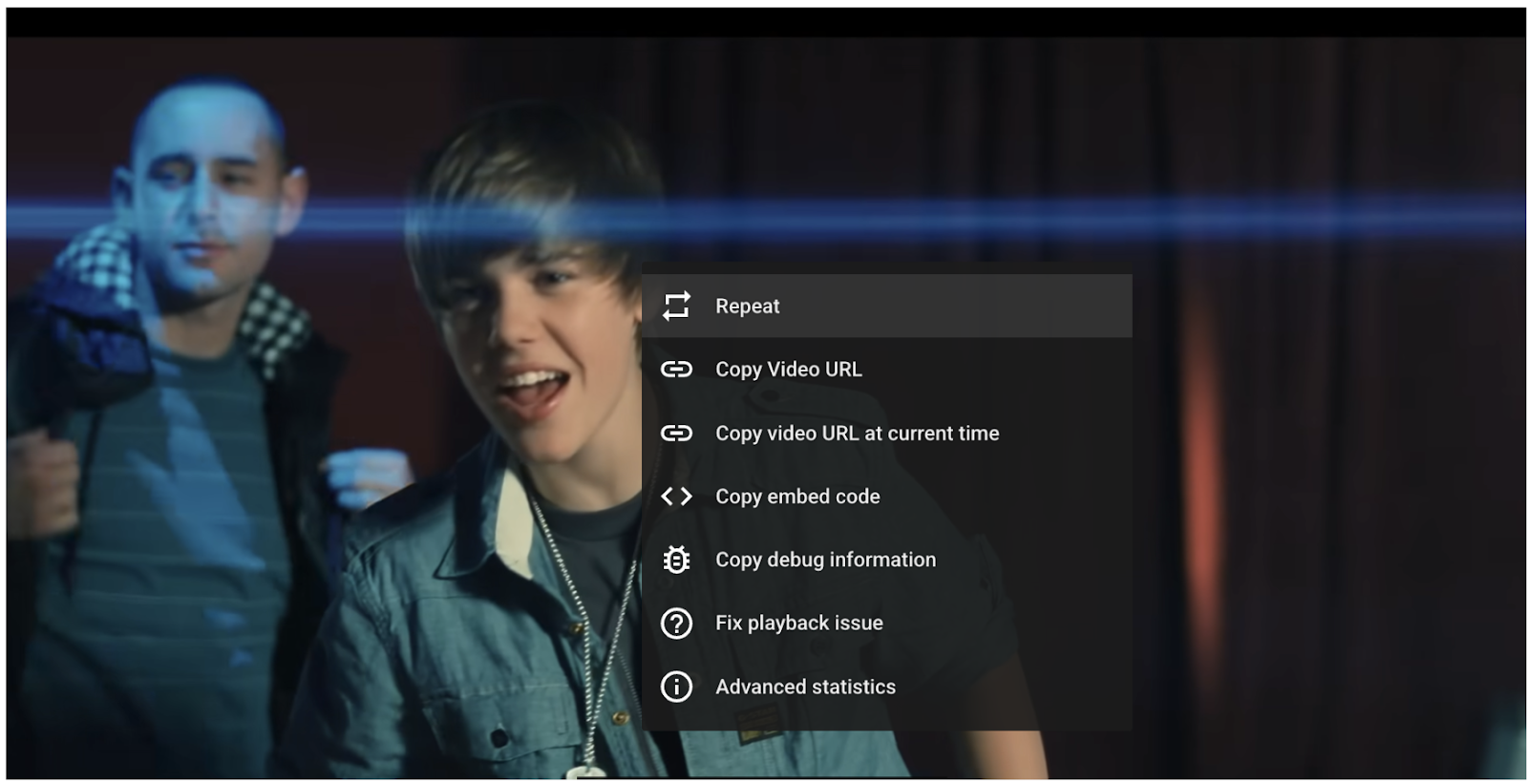
Right-click magic is your friend. Seriously! On your computer, fire up YouTube in your browser. Find the video you can't live without. Right-click inside the video player. A menu pops up. Look closely. Do you see the word “Loop”? Click it. Boom! Instant replay.
It's that easy. Seriously. You're welcome.
Mobile Mayhem: Looping on Your Phone (Yes, It's Possible!)
What about your phone? Don't worry; we've got you covered. Things are a *little* different. No right-clicking here!
The secret sauce? Playlists! Create a playlist and add your chosen video. Then, hit play. Now, this is where it gets interesting. Within the playlist, look for the "loop" icon (it usually looks like two arrows chasing each other). Tap that bad boy. Your video will now loop endlessly within that playlist.
Pro tip: You can add more videos to the playlist if you want a slightly less repetitive experience. Maybe a hamster burrito *followed* by a surprisingly good cover of a 80's power ballad?
Why Loop Videos Anyway?
Good question! Maybe you're obsessed with a particular song. Maybe you need ambient background noise (think: the sound of rain). Maybe you're trying to drive your roommates absolutely bonkers. The possibilities are endless!
Think about it: are you trying to learn a specific dance move? Looping is your friend. Are you trying to decipher what a cat is really thinking? (Spoiler alert: food.) Looping is still your friend! Is your toddler obsessed with "Baby Shark"? Okay, looping might be your enemy in that scenario. Use with caution!
Quirky Looping Facts (Because Why Not?)
Did you know that the first ever video uploaded to YouTube was titled "Me at the zoo"? Now imagine *that* on loop. Slightly less exciting than a hamster burrito, perhaps.
Also, if you leave a video looping for a REALLY long time (like, days), YouTube might start thinking you're a bot. Don't be a bot! Be a human who enjoys looping hamster burritos. There's a difference.
So go forth and loop! But remember, use your power responsibly. And maybe, just maybe, consider branching out from the hamster burrito every now and then. There's a whole world of looped content out there waiting to be discovered!



![Comment Faire Jouer Une Video Youtube En Boucle [Tuto] Comment lire en boucle une vidéo Youtube ? - YouTube](https://i.ytimg.com/vi/4HxmGKU4nHA/maxresdefault.jpg)