Comment Faire Fonctionner Command And Conquer Generals Sur Windows 7

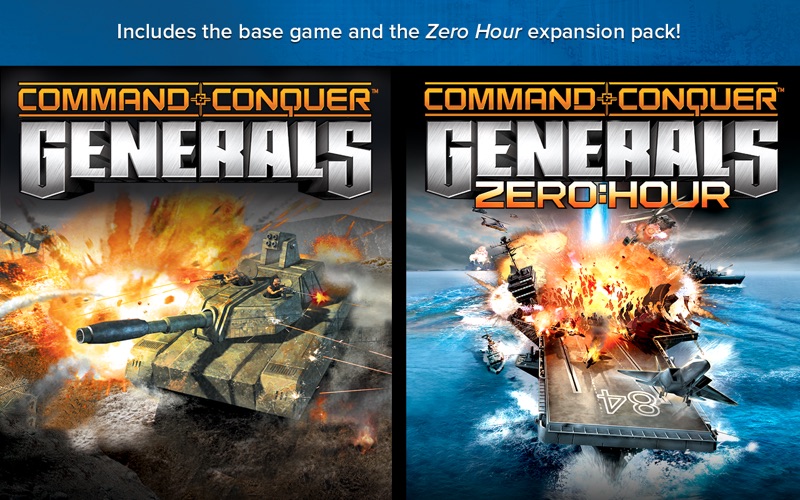
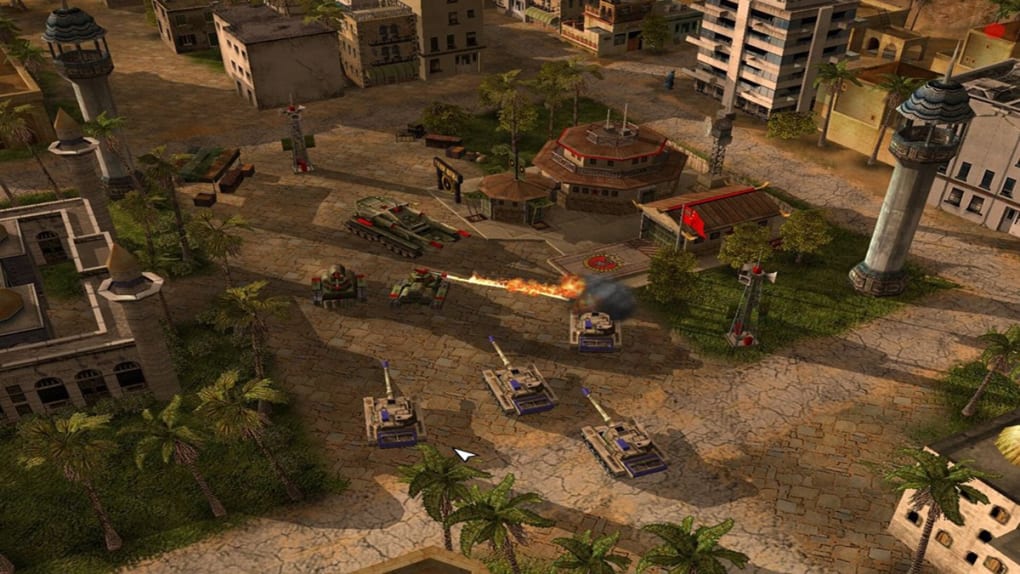
Ah, Command & Conquer Generals! Just thinking about it brings back waves of nostalgia, doesn’t it? That game, with its awesome units and addictive gameplay… a classic! But, like many of us, you've probably run into a snag trying to get it running smoothly on Windows 7. Don't worry, you're not alone, and I'm here to help!
So, you're eager to relive those epic battles, huh? Well, the good news is it's absolutely possible to get Generals working on your Windows 7 machine. It just takes a little bit of tweaking. Think of it like giving your old friend a little bit of modern medicine to feel young again!
First things first: compatibility mode. Have you tried that yet? It's usually the first thing to try. Right-click on the Generals.exe or ZeroHour.exe file. Select "Properties." See that "Compatibility" tab? Click on it! Now, check the box that says "Run this program in compatibility mode for:" and choose Windows XP (Service Pack 3). Click "Apply" and then "OK." Simple, right? Sometimes that's all it takes!
But what if it doesn't work? Don't despair! There are a few more tricks up our sleeves. The issue often revolves around the game not being able to properly access your system's resources, especially with those fancy modern graphics cards we have now. Remember those days of dial-up internet and simple graphics? Times have changed!
Another potential solution involves editing the game's configuration file. Navigate to your Command & Conquer Generals installation folder. Look for a file called Options.ini or something similar. If you don't see it, don't panic! You might need to create one. Open Notepad (or your favorite text editor), and paste in the following:
AntiAliasing = 1
AnisotropicFiltering = 1
Resolution = 1024 768
StaticGameLOD = High
TextureQuality = High
Feel free to adjust the Resolution to match your monitor. Then, save the file as Options.ini and place it in your user profile folder, specifically: Documents\Command and Conquer Generals Data\ or Documents\Command and Conquer Generals Zero Hour Data\. Make sure to save it as a .ini file, not a .txt! This is crucial. Don't skip this step!
Still no luck? Okay, let's try a little more… Sometimes, the game struggles with the way Windows handles certain files. We need to make sure the game knows where to find them. You might need to download a modified version of the d3d8.dll file and place it in your Generals installation folder. There are plenty of resources online where you can find these (just do a quick search for "Generals d3d8.dll fix"). Just be sure you're downloading from a trustworthy source, okay?
One last thing, and this is a bit of a long shot, but sometimes running the game as an administrator can help. Right-click on the Generals.exe or ZeroHour.exe file again, go to "Properties," then "Compatibility," and check the box that says "Run this program as an administrator." Worth a try, right?
See? Getting a classic game like Generals running on modern hardware isn't always a walk in the park. But with a little persistence and these tips, you'll be back to building your bases and crushing your opponents in no time! And isn't that the best feeling? Go forth, Commander, and conquer!