
Comment Faire Fonctionner Citra Pour Pokemon Soleil

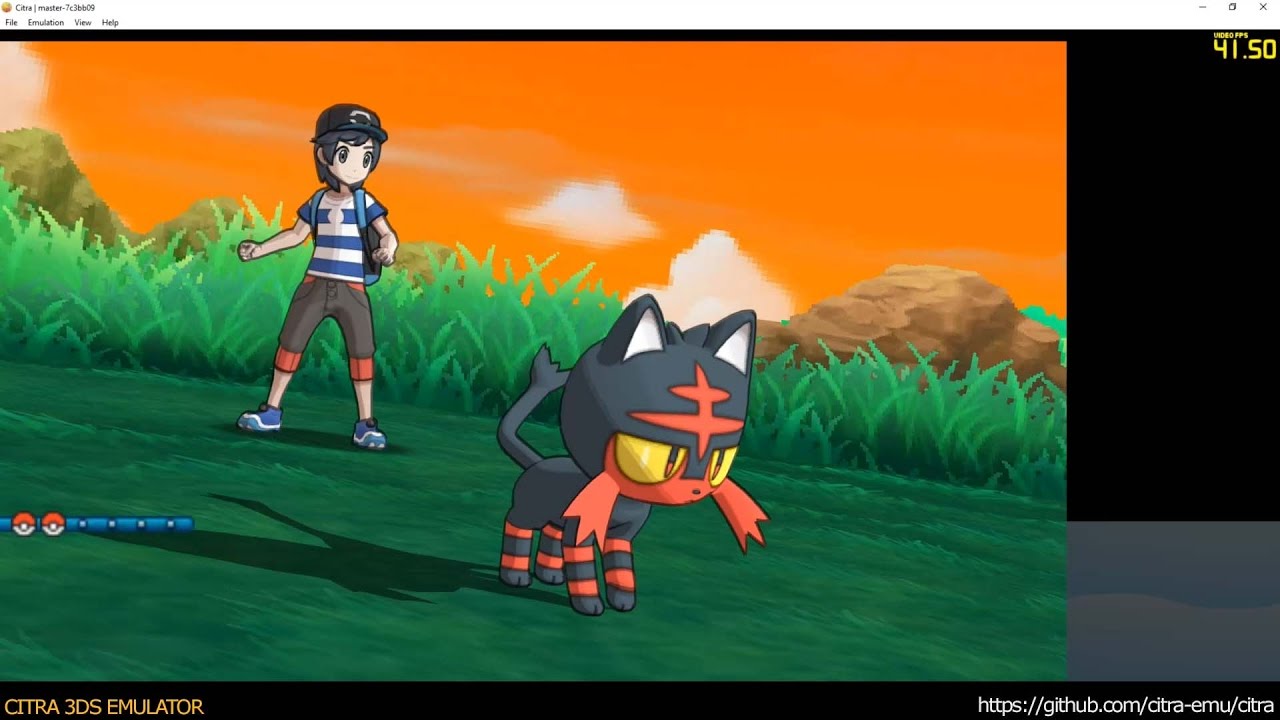
Ah, Pokémon Soleil. Sun-drenched beaches, adorable Alolan forms, and the undeniable charm of a Pokémon adventure in paradise. But what if you want to experience this adventure again, or perhaps for the very first time, on your computer? Enter Citra, the popular Nintendo 3DS emulator. So, you're thinking: "Comment faire fonctionner Citra pour Pokémon Soleil?". Don't worry, we've got you covered! Consider this your ultimate guide to bringing the Alola region to your desktop.
Téléchargement et Installation de Citra
First things first, you'll need to download Citra. Head over to the official Citra website (just Google "Citra emulator" – it's easy to find!) and download the version appropriate for your operating system (Windows, macOS, or Linux). Make sure you download the official version to avoid malware. Seriously, don't cut corners here!
Installation is generally straightforward. On Windows, it's usually a simple executable you run. On macOS, you might need to move the Citra application to your "Applications" folder. Linux users might need to consult their distribution's specific package manager.
Once installed, launch Citra. You'll likely be greeted with a rather empty-looking window. That's okay – it's waiting for your games!
Obtenir et Préparer Votre ROM de Pokémon Soleil
This is where things can get a little tricky. Legally, you need to own a physical copy of Pokémon Soleil to create a ROM. Dumping your own game cartridge is the most ethical (and legal!) way to go. However, we all know how the internet works… Regardless of how you obtain your ROM, make sure it's in the correct format. Citra generally supports .3ds and .cia files. If you have a different format, you might need to convert it using a ROM converter.
Disclaimer: We are not condoning piracy. This guide is for informational purposes only. Always respect copyright laws and support the developers!
Configuration de Citra pour des Performances Optimales
Alright, you've got Citra installed and your ROM ready to go. Now, let's tweak some settings to ensure a smooth gaming experience. Click on "Emulation" in the menu bar, then "Configure."
Here are some key settings to consider:
- Graphics: Experiment with the "Internal Resolution." Higher resolutions make the game look sharper, but they also require more processing power. Start with 2x or 3x and adjust from there. If your computer struggles, lower it to 1x (the native 3DS resolution).
- Renderer: OpenGL is generally a safe bet, but Vulkan might offer better performance on some systems. Try both and see which works best for you.
- CPU: Leave this on "Auto" unless you know what you're doing.
- Controls: Configure your keyboard or gamepad. Citra supports a wide range of controllers. Personally, I prefer using a gamepad for that classic Pokémon feel.
Pro Tip: Enabling "Asynchronous Shader Compilation" can significantly reduce stuttering, especially during the initial hours of gameplay. It's a lifesaver!
Lancer Pokémon Soleil et Résoudre les Problèmes Courants
Now for the moment of truth! Click on "File" then "Load File" and select your Pokémon Soleil ROM. If all goes well, the game should start loading. Prepare to be transported back to Alola!
However, things don't always go perfectly. Here are some common issues and how to fix them:
- Game crashes: Try updating your graphics drivers. Outdated drivers are a common culprit.
- Slow performance: Lower the internal resolution or try a different renderer. Closing other programs can also help.
- Graphical glitches: Ensure your ROM is not corrupted. Try downloading it from a different source (again, legally if possible!).
- "Citra needs system files": You might need to provide Citra with the necessary system files from a 3DS. This is a more advanced topic, so search online for specific instructions if needed.
Remember, patience is key. Emulation isn't always perfect, and you might need to experiment with different settings to find what works best for your system. Think of it as a mini-game in itself!
Au-Delà de Pokémon Soleil: L'Univers de Citra
Once you've mastered Pokémon Soleil on Citra, you can explore other 3DS games. The emulator supports a wide library, from Animal Crossing: New Leaf to The Legend of Zelda: Ocarina of Time 3D. The possibilities are endless!
You can also explore Citra's online multiplayer features. Imagine battling or trading Pokémon with friends across the globe, all within the emulator. It's like a digital Pokémon convention!
Fun Fact: Citra is an open-source project, meaning anyone can contribute to its development. It's a testament to the power of community collaboration.
Réflexion Finale: L'Évasion Numérique et le Monde Réel
Playing Pokémon Soleil on Citra is more than just nostalgia; it's a chance to escape, to explore a vibrant world filled with wonder and adventure. But, like any digital indulgence, it's important to strike a balance. Remember to step away from the screen, connect with the real world, and appreciate the beauty that surrounds you. After all, the sun-drenched beaches of Alola are captivating, but so is a walk in your local park or a conversation with a friend. Use Citra to revisit a cherished memory, but don't let it overshadow the present moment. Happy gaming!

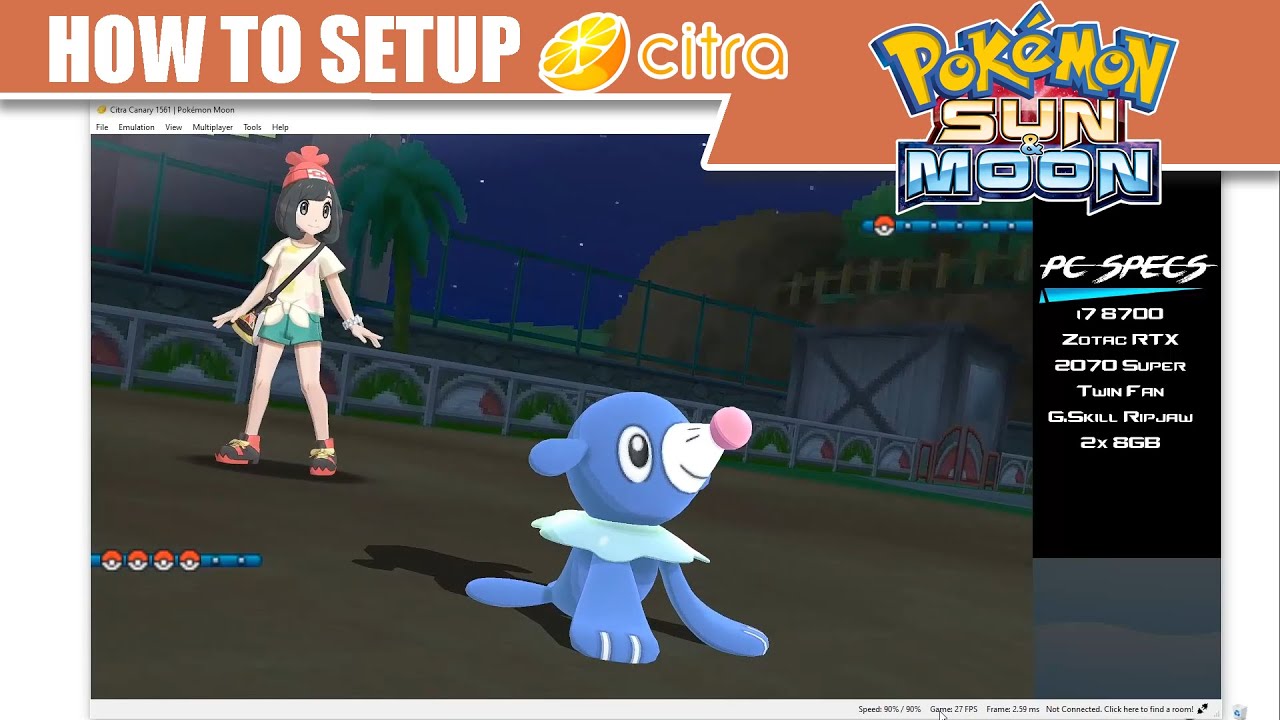


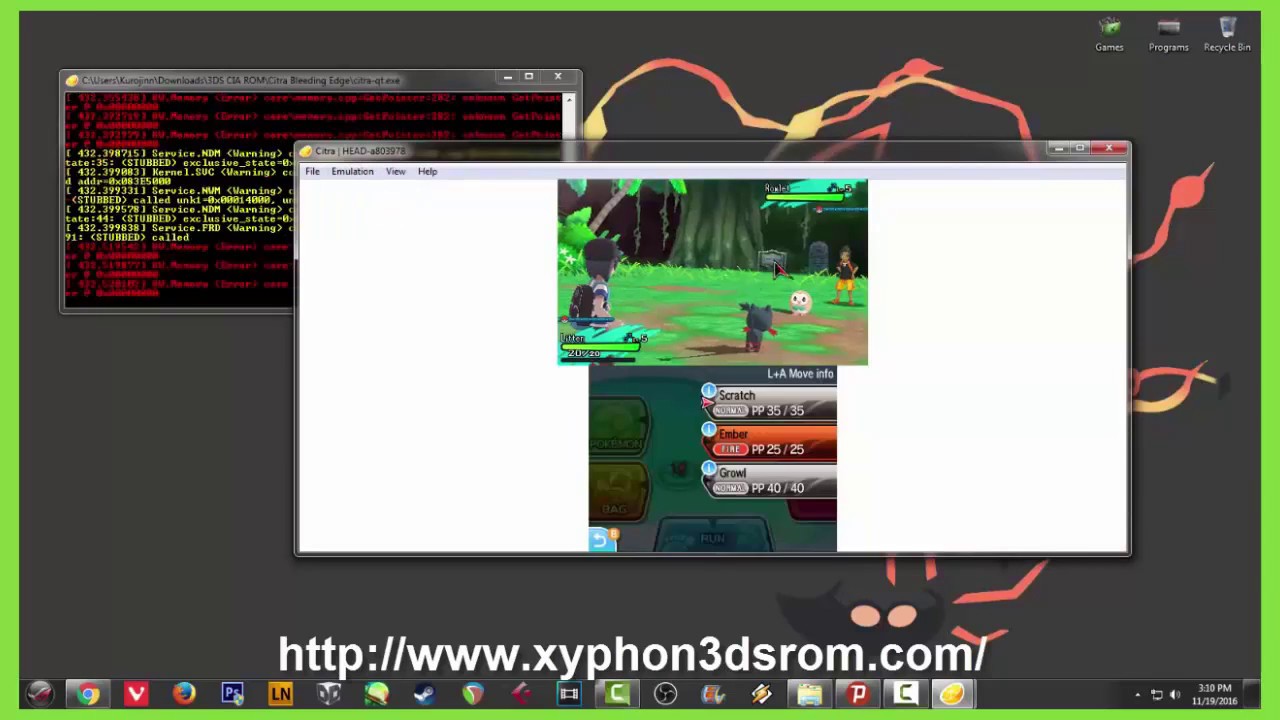
![Comment Faire Fonctionner Citra Pour Pokemon Soleil Pokémon Soleil et Pokémon Lune Rom 2016 [Télécharger] [Tutoriel] Citra](https://i.ytimg.com/vi/CCRafe1iyFE/maxresdefault.jpg)
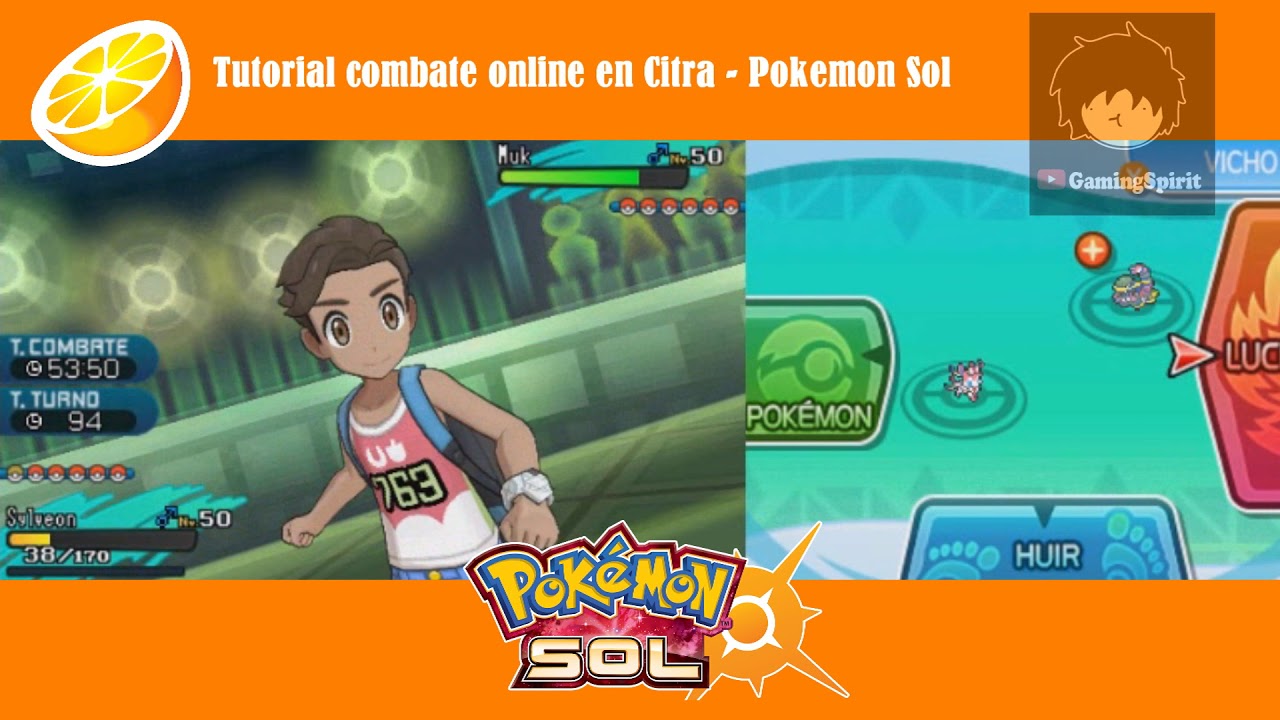


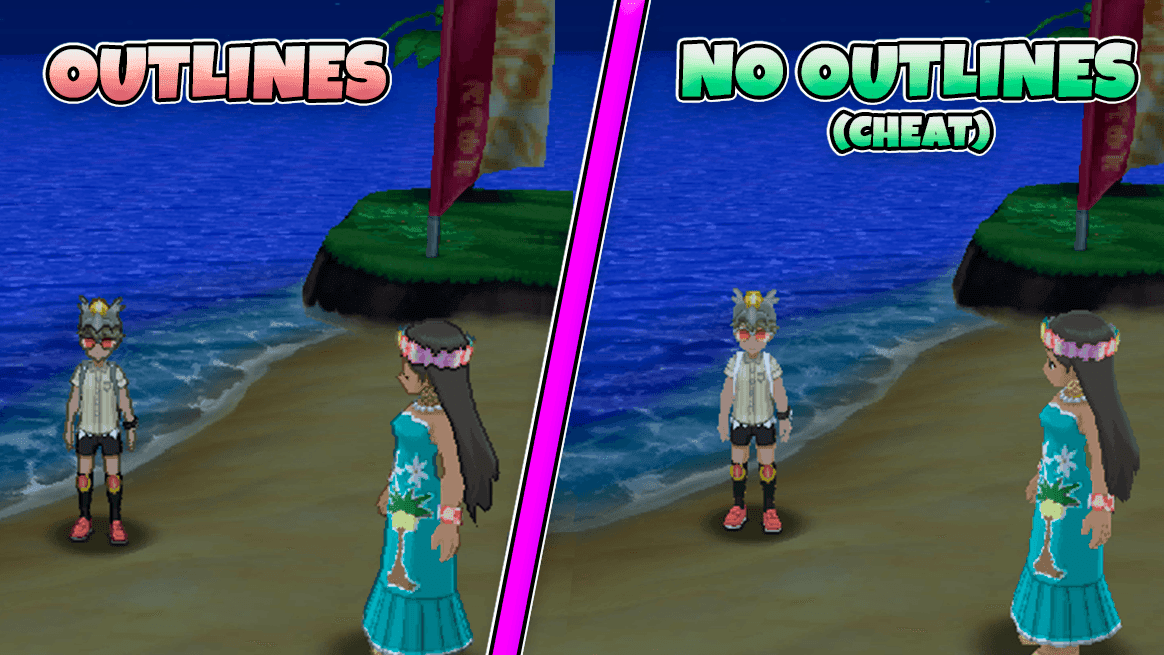


![Comment Faire Fonctionner Citra Pour Pokemon Soleil [Tuto FR]Jouer à Tout Les Pokemon En Ligne Sur Citra - YouTube](https://i.ytimg.com/vi/Q0UBHrWBM6M/maxresdefault.jpg)