Centrer Page De Garde Latex

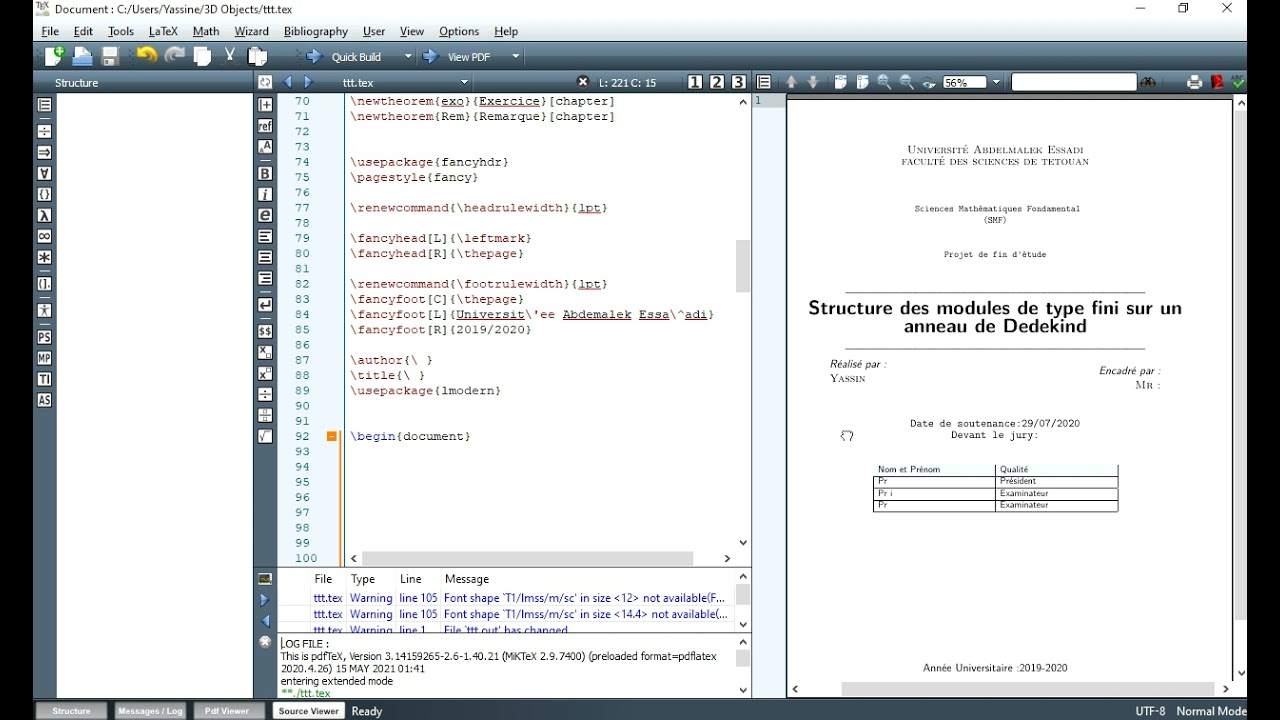
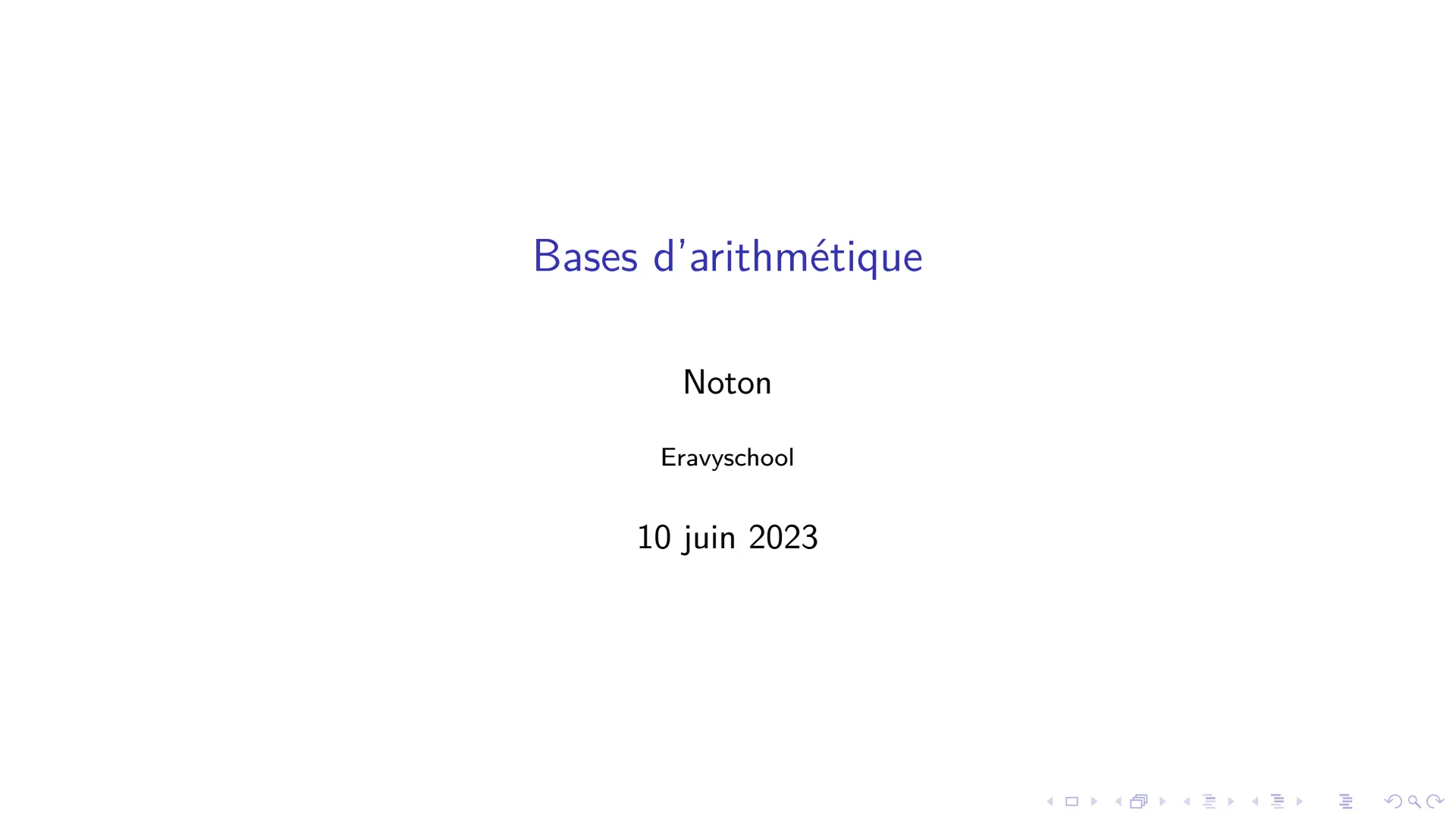
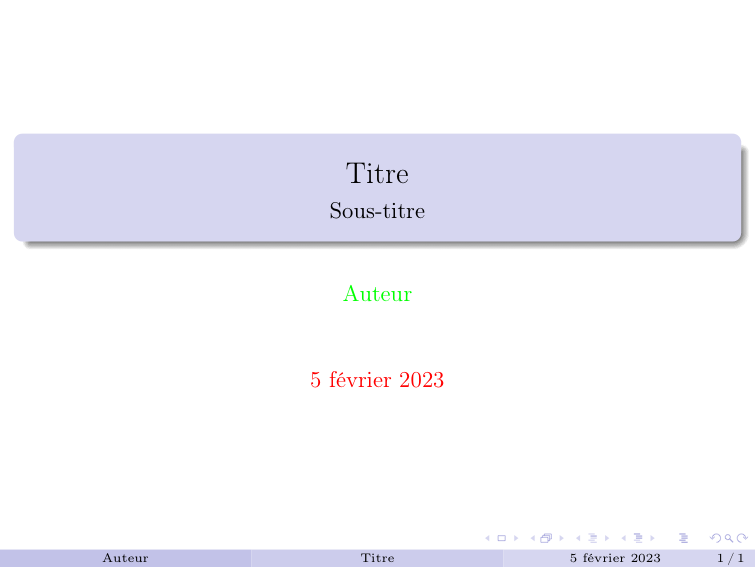
Okay, so picture this: I'm pulling an all-nighter before a *major* presentation. My LaTeX document is basically a caffeine-fueled Frankenstein monster. Content? Check. Citations? Sort of check. But my title page? Abysmal. The title was clinging to the very top like a scared kitten, leaving all that gorgeous blank space below. It looked like I'd accidentally copy-pasted it from a grocery list. Mortified, I knew I had to fix it *fast*. Hence, my descent into the rabbit hole of LaTeX title page centering. Believe me, been there, *panicked* there.
Sound familiar? If you're reading this, chances are you've wrestled with the same demon. That demon of vertical misalignment on your LaTeX cover page. Fear not, my friend! We're going to conquer it together. Prepare for a few potential methods, each with its own quirks and charm.
The `titlepage` Environment: A Reliable Friend
The most common (and often easiest) approach is the `titlepage` environment. Think of it as a designated safe space for your title page elements. It creates a dedicated page, which is crucial. Without it, you might end up with LaTeX trying to cram everything onto the first page, disregarding your carefully planned layout.
Simple Centering with `\centering`
Within the `titlepage` environment, the `\centering` command is your basic weapon against misalignment. It tells LaTeX to center all subsequent text *horizontally*. So, your title, author, date – everything will be neatly aligned in the middle of the page. But remember, this only handles the horizontal alignment. To tackle the vertical aspect, we need another tool.
Important note: `\centering` is a *switch*, not a command that takes an argument. So, it applies to everything until it's explicitly turned off. Keep that in mind when adding other content to your document!
The `\vspace*{\fill}` Trick: Vertical Mastery
Ah, `\vspace*{\fill}`. This is where the magic really happens. This command essentially tells LaTeX to insert as much vertical space as possible. By strategically placing it *before* and *after* your title page elements, you can force them to center vertically. The `*` is important; it prevents LaTeX from ignoring the space if it thinks it's unnecessary (LaTeX can be annoyingly helpful sometimes, right?).
Here’s how it typically looks inside your `titlepage` environment:
- `\vspace*{\fill}`
- Your title, author, etc. (centered with `\centering`)
- `\vspace*{\fill}`
Think of it as surrounding your content with invisible springs that push it towards the center.
Alternative Approaches (For the Adventurous)
Sometimes, the standard approach just doesn't cut it. Maybe you're working with a particularly complex title page design, or perhaps you just feel like experimenting. Here are a couple of alternative techniques:
The `geometry` Package: Precise Control
The `geometry` package offers incredibly fine-grained control over your page layout, including margins and vertical spacing. You can use it to precisely adjust the vertical position of your title page elements. However, this method requires a deeper understanding of LaTeX layout and can be a bit more involved.
Pro Tip: Tread carefully with `geometry`. Too much tweaking can lead to unexpected results! Start with small adjustments and test frequently.
The `minipage` Environment: Creating Blocks
`minipage` creates a miniature page within your document. You can then center this `minipage` both horizontally and vertically using the techniques we discussed earlier. This is useful if you want to treat your title page content as a single, self-contained unit.
Final Thoughts: Experiment and Iterate
Centering a title page in LaTeX might seem like a small detail, but it can make a huge difference in the overall look and feel of your document. Don't be afraid to experiment with different methods and find what works best for you. And remember, the beauty of LaTeX lies in its flexibility. With a little patience and perseverance, you can create a title page that you're truly proud of.
Good luck, and happy LaTeXing! (May your compiles be error-free... or at least easily fixable.)